Blog

  • How to Fix Your Phone Number Being Marked as Spam

    How to Fix Your Phone Number Being Marked as Spam

    TL;DR

    If your phone number is marked as spam, you can fix it by requesting removal from major spam databases like the First Orion Scam Call Registry and registering with the National Do Not Call Registry, contacting your carrier to clear your number’s reputation, reducing your call volume and improving call patterns to avoid spam triggers, and ensuring your caller ID information is accurate. Most importantly, you’ll need to address the root cause by reviewing how you use your number and implementing best practices for legitimate calling.

    Understanding Why Phone Numbers Get Flagged as Spam

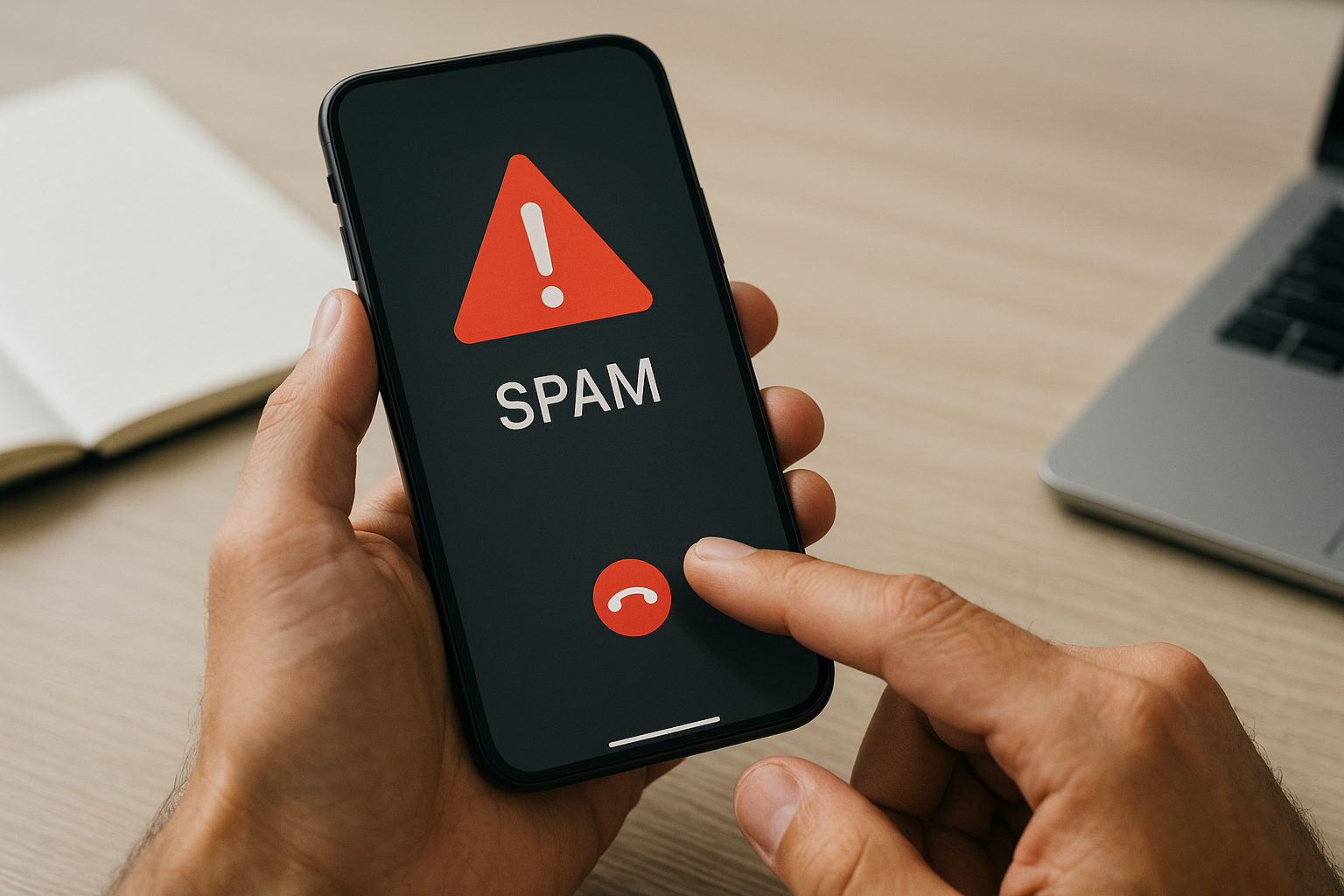
    Phone numbers don’t randomly get marked as spam. The labeling happens through a combination of carrier-level algorithms, third-party spam identification apps, and user reports. When multiple people mark your number as spam or suspicious, these systems aggregate that data and begin flagging your number for other recipients. Carriers like AT&T, Verizon, and T-Mobile use sophisticated fraud detection systems that monitor call patterns, frequency, duration, and answer rates. If your number exhibits behaviors similar to known spam operations—such as making hundreds of calls per day with very short durations or low answer rates—automated systems will flag it even if you’re running a legitimate business.

    Third-party apps like Truecaller, Hiya, and RoboKiller maintain their own databases built from crowdsourced reports. These apps have millions of users who actively report suspicious numbers, and once your number accumulates enough negative reports, it gets added to their spam lists. The problem compounds because these databases are interconnected—a flag in one system often influences others. Sometimes numbers get incorrectly flagged due to previous owners’ activities, especially with recycled phone numbers that carriers reassign after a period of inactivity.

    Check If Your Number Is Actually Marked as Spam

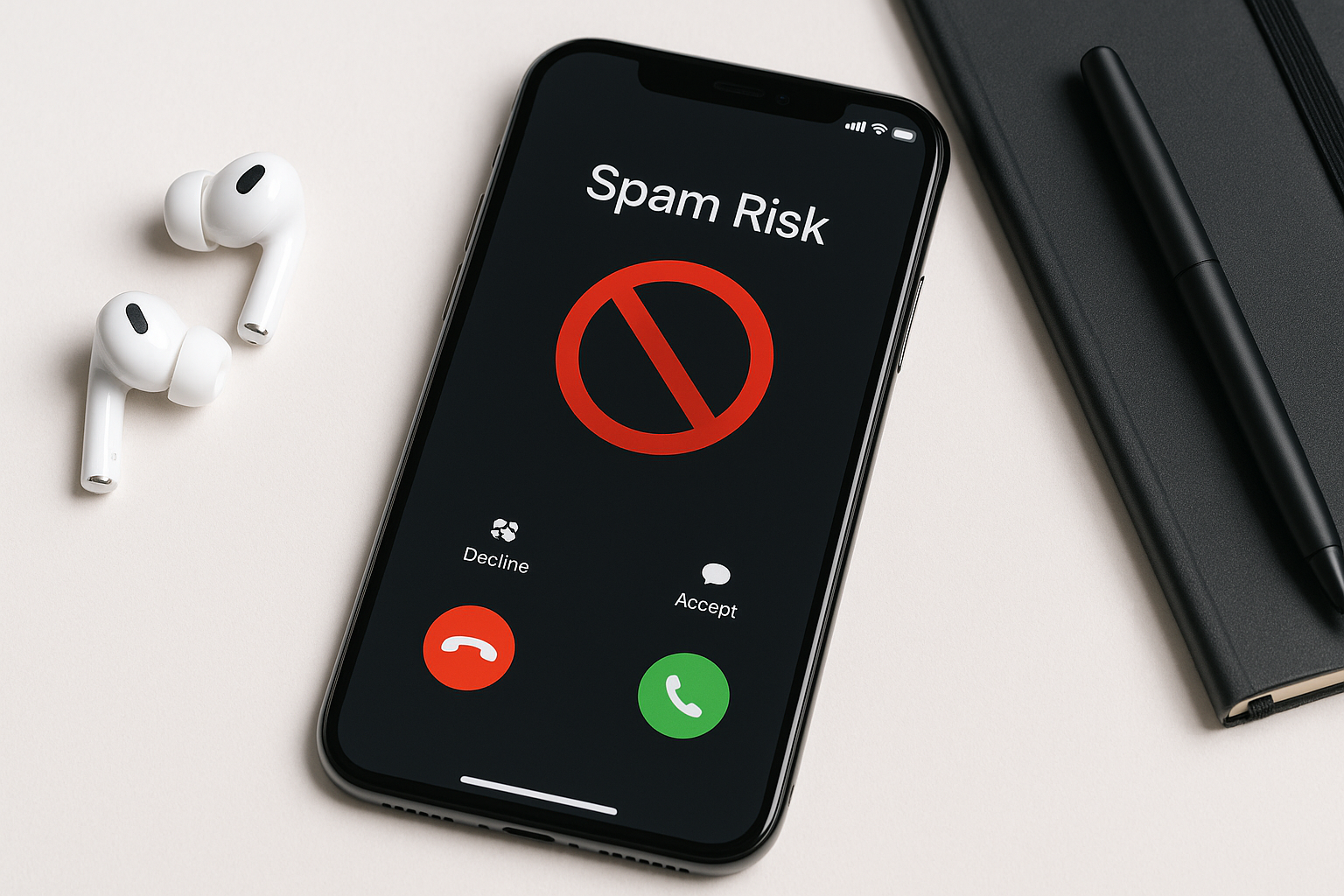
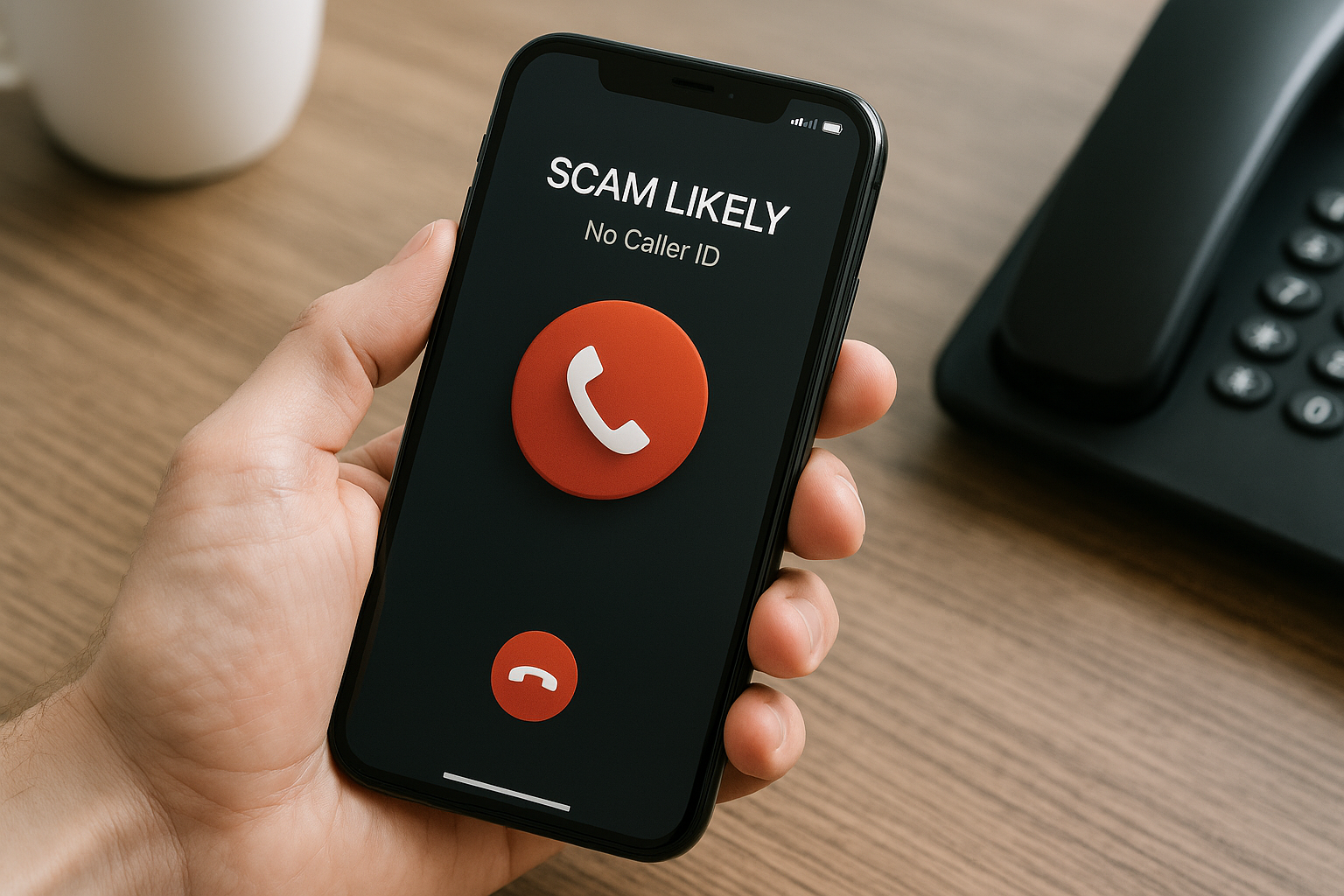
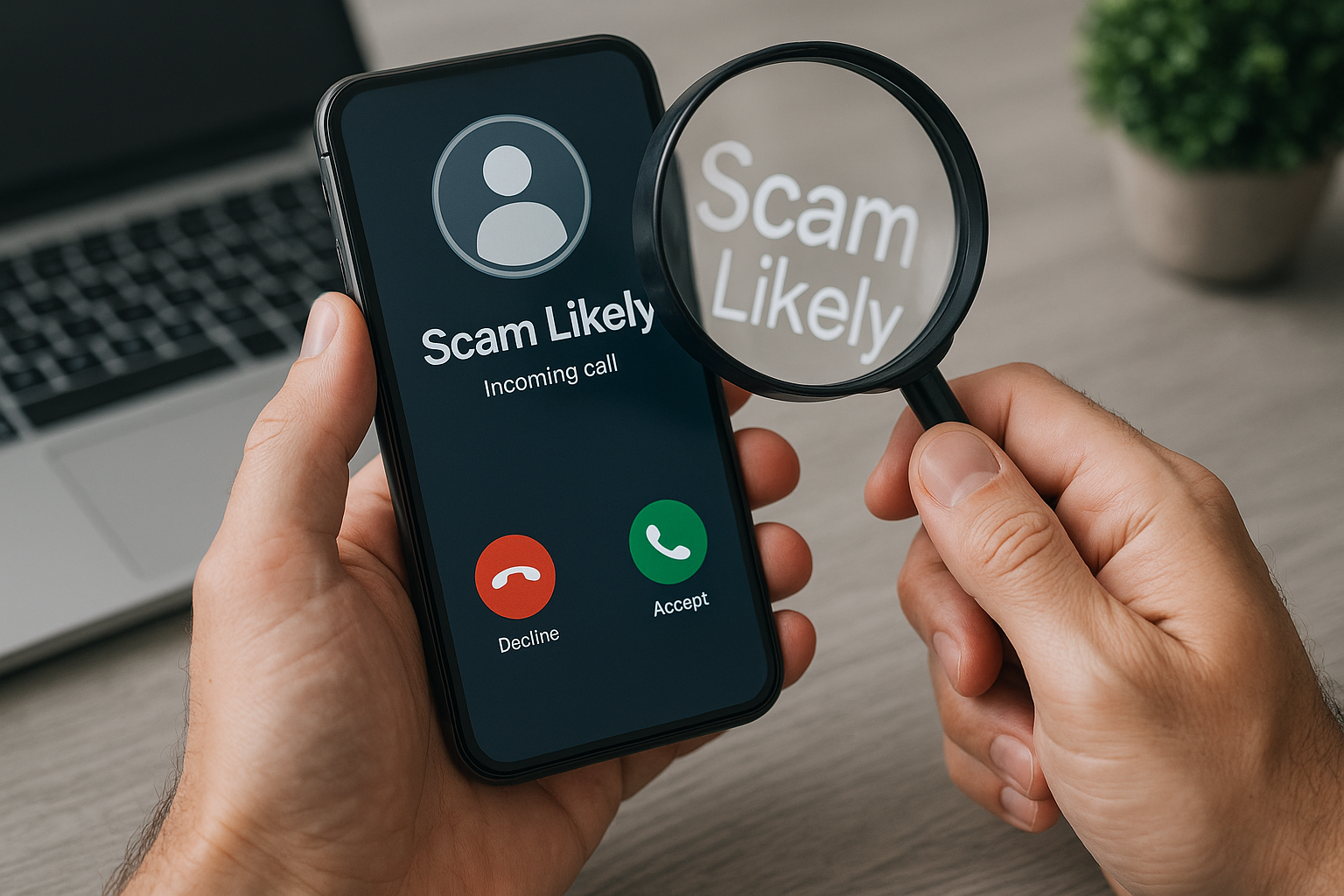
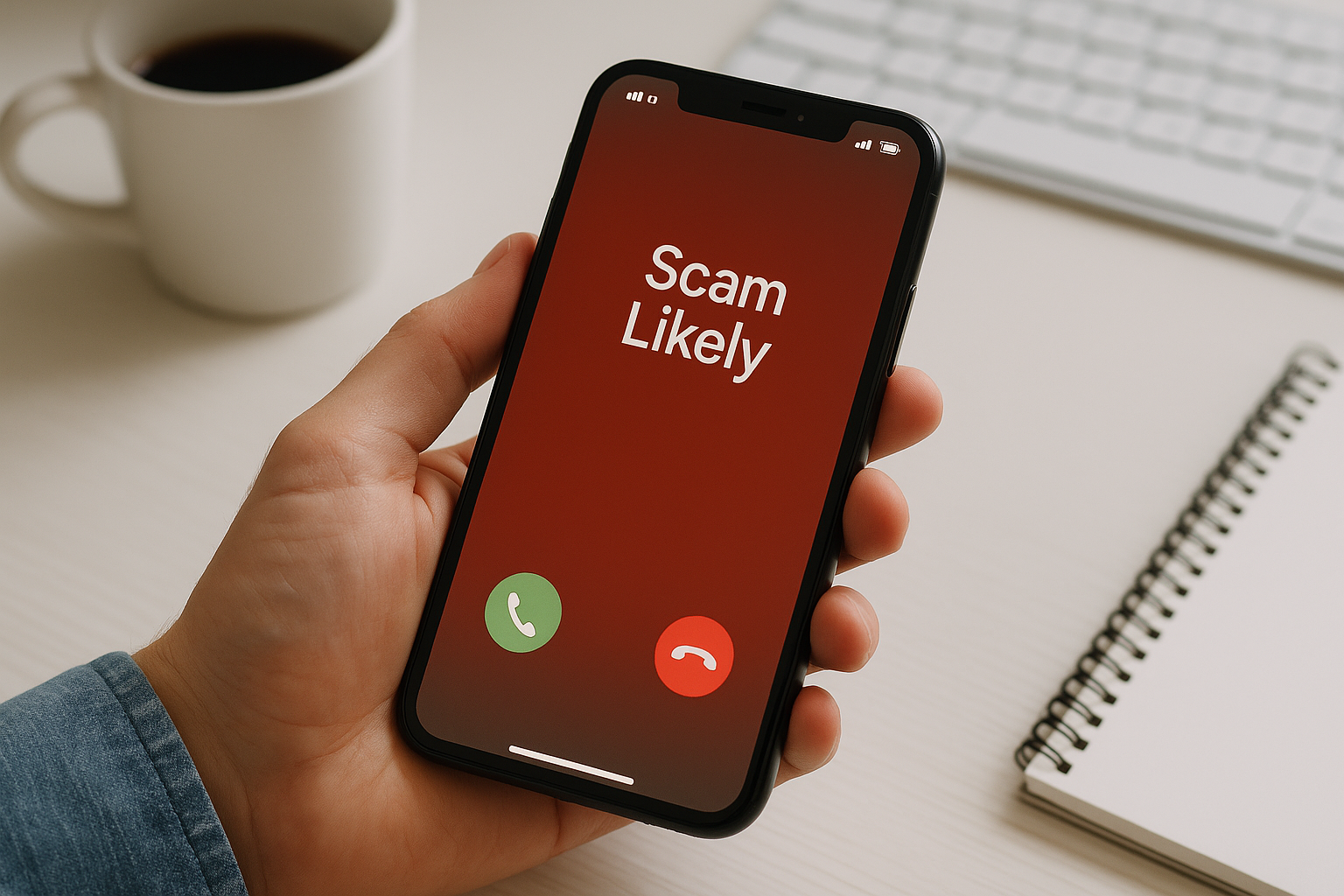
    Before taking corrective action, confirm that your number is actually flagged. Start by asking contacts if they see spam warnings when you call them. Different carriers display different labels like “Spam Risk,” “Scam Likely,” or “Potential Fraud.” You can also use free lookup services like FreeCaller Lookup or call your own number from different devices to see if warnings appear. If you’re a business, pay attention to declining answer rates—a sudden drop often indicates spam labeling since people simply won’t answer calls marked as suspicious.

    Check whether your number appears in major spam databases by searching for it on reverse phone lookup websites. While not all databases are publicly accessible, many will show if your number has been reported. Document what you find, including which services show your number as spam and what specific label appears, as this information will help when you contact carriers and database operators.

    Register with the National Do Not Call Registry

    While counterintuitive, registering your personal phone number with the National Do Not Call Registry can help establish your number’s legitimacy. This federal registry managed by the Federal Trade Commission exists primarily to protect consumers from unwanted telemarketing calls, but registration also signals that your number is associated with a real person who wants privacy protection. This won’t directly remove spam flags, but it adds a layer of legitimacy to your number in various systems. For businesses, you cannot register your business line, but you should ensure you’re complying with all telemarketing regulations if you make outbound calls.

    Contact Major Spam Call Databases Directly

    Several companies maintain spam databases that feed information to carriers and call-blocking apps. First Orion operates one of the largest databases, and you can submit a request through their Scam Call Registry to have your number reviewed and potentially delisted. Visit their website and look for their “Report a Number” or unlisting form where you can explain why your number shouldn’t be flagged. TNS (Transaction Network Services) is another major player that provides spam identification services to carriers—reaching out to them through their enterprise contact options can help if you’re a business.

    For third-party apps, contact Truecaller, Hiya, Nomorobo, and other popular caller ID services directly. Most have unlist request forms on their websites. Truecaller allows you to claim your number and unlist it through their website if you create an account. Hiya has a similar process for businesses through their Hiya Connect platform. Be prepared to verify your identity and explain your legitimate use of the phone number. These requests don’t guarantee removal, but they start the review process.

    Work with Your Phone Carrier

    Your mobile carrier has significant influence over how your number is perceived. Contact your carrier’s customer service or business support team and explain that your number is being marked as spam. Major carriers have departments that handle reputation issues, though reaching them often requires persistence. AT&T operates the Call Validation Display program, Verizon has their Caller Name ID service, and T-Mobile uses their Scam Shield technology. Ask specifically about their process for reviewing and clearing numbers from spam designations.

    If you’re a business making legitimate outbound calls, inquire about registering for STIR/SHAKEN attestation, which is the FCC’s call authentication framework designed to combat caller ID spoofing. Properly attested calls receive a verification checkmark with many carriers, which significantly improves answer rates and reduces spam flagging. Your carrier or VoIP provider should offer attestation services, though implementation varies by provider.

    Modify Your Calling Patterns and Practices

    If you’re making numerous outbound calls, especially for business purposes, your calling behavior might be triggering spam filters even if your intentions are legitimate. Reduce your daily call volume if possible, and space calls out rather than making rapid-fire successive calls. Automated systems flag numbers that make hundreds of calls per day with extremely short durations, as this pattern resembles robocalling operations.

    Improve your answer rates by calling people who expect your call. Send text messages or emails before calling to let recipients know you’ll be reaching out. When people answer and engage in normal-length conversations, this signals to monitoring systems that your calls are legitimate. Avoid leaving voicemails on every unanswered call, as some systems interpret this as automated behavior. Make sure your caller ID information is accurate and matches your business name if applicable—inconsistent or generic caller ID information raises red flags.

    If you’re using an auto-dialer or predictive dialer for business purposes, ensure it complies with the Telephone Consumer Protection Act (TCPA). Violations can result in your number being reported and flagged. Always obtain proper consent before calling customers, maintain a do-not-call list, and honor opt-out requests immediately. These practices not only keep you compliant but also reduce the likelihood of spam reports.

    Consider Getting a New Number as a Last Resort

    If your number has been severely compromised and removal efforts fail, requesting a new phone number might be necessary. This is particularly true if you inherited a recycled number with a bad history. Contact your carrier to request a new number, and ask if they can ensure it hasn’t been recently used or flagged. Port your old number to a different service if you need to maintain it for some contacts while using the new number as your primary line.

    Before abandoning your number, give the delisting process at least 30-60 days to work. Spam database updates aren’t instant, and it takes time for changes to propagate through all systems. During this waiting period, maintain clean calling practices to avoid re-flagging your new reputation.

    Prevent Future Spam Flagging

    Once you’ve cleared your number, protect its reputation going forward. Never share your phone number on public websites, forums, or social media where spammers can harvest it. Be selective about which businesses and services you give your number to, as data breaches can expose your information. If you run a business, use a dedicated business line separate from your personal number, and consider using multiple numbers to distribute call volume rather than overwhelming a single line.

    Monitor your number’s reputation regularly by periodically checking spam databases and asking contacts about their caller ID displays. Set up Google Alerts for your phone number to catch any mentions or reports online. If you notice answer rates declining or get reports of spam warnings, address the issue immediately before it becomes severe. Maintaining consistent, predictable calling patterns and keeping call volumes reasonable will help prevent future flagging.

    Frequently Asked Questions

    How long does it take to remove a spam flag from my phone number?

    The timeline varies depending on which systems flagged your number and how quickly they process removal requests. Some third-party apps like Truecaller can process unlisting requests within a few days to two weeks. Carrier-level spam designations may take 30-60 days to fully clear as changes propagate through their systems. Major spam databases update at different frequencies, so complete removal from all sources typically requires one to three months of maintaining clean calling practices while actively requesting removal from each database.

    Will changing my caller ID name fix the spam label?

    Simply changing your caller ID name won’t remove an existing spam flag, though having accurate, professional caller ID information can prevent future flagging. The spam designation is tied to your phone number itself in carrier and third-party databases, not just the display name. However, updating your caller ID through your carrier’s CNAM (Caller Name) database to show consistent, legitimate information is an important part of improving your number’s overall reputation and should be done alongside other corrective measures.

    Can I sue someone for marking my number as spam incorrectly?

    Legal action for incorrect spam reporting is extremely difficult and rarely successful. Most spam-reporting systems include user protections under safe harbor provisions, and proving damages from a spam designation is challenging. Unless someone intentionally and maliciously engaged in a coordinated campaign to harm your business through false reports, and you can document significant financial losses directly attributed to their actions, legal remedies are impractical. Your time and resources are better spent on the delisting and reputation repair process rather than pursuing litigation.

    Does the National Do Not Call Registry prevent spam flags?

    The National Do Not Call Registry doesn’t directly prevent spam flags or remove existing spam designations from your number. Its primary purpose is protecting registered numbers from unwanted telemarketing calls. However, registration can contribute to your number’s overall legitimacy profile in some systems and demonstrates that your number is associated with a real person seeking privacy protection. It’s a supplementary step rather than a solution, but it’s free and takes only a few minutes to complete.

    What if I’m a business making legitimate sales calls?

    Legitimate businesses face particular challenges because high-volume outbound calling naturally triggers spam detection systems. Focus on obtaining proper STIR/SHAKEN attestation from your carrier, maintaining accurate caller ID information, and implementing permission-based calling where customers expect your contact. Use a reputable business VoIP provider that understands carrier regulations and can help manage your number reputation. Consider enrolling in free business caller registry services offered by some carriers, reduce call volume per number by using multiple lines, and ensure strict TCPA compliance including proper consent and honoring do-not-call requests immediately.

    Why do spam flags affect some recipients but not others?

    Different carriers and devices use different spam identification systems, which is why your number might show as spam for some people but not others. AT&T customers might see “Spam Risk” from AT&T’s proprietary system, while T-Mobile users see warnings from T-Mobile’s Scam Shield. Additionally, individual users who have installed third-party call-blocking apps like Truecaller or Hiya see labels from those specific databases. Your number might be flagged in one system but not another, creating inconsistent experiences. This is why you need to address spam flags across multiple platforms rather than just with your own carrier.

    Can porting my number to a different carrier remove spam flags?

    Porting your number to a different carrier won’t automatically remove spam flags because the spam designation exists in shared databases and third-party systems that operate independently of your carrier. However, a new carrier might assign your number a fresh STIR/SHAKEN attestation level, which could help. The underlying spam database entries will remain until you specifically request removal from each database. Porting might temporarily disrupt some spam labeling during the transition period, but once your number is active on the new carrier, the flags will typically reappear unless you’ve addressed the root cause.
  • How to Remove Your Phone Number From Google Search

    How to Remove Your Phone Number From Google Search

    TL;DR

    To remove your phone number from Google search results, start by deleting the source content where your number appears, then submit removal requests through Google’s Removals Tool for specific URLs. You can also contact website owners directly to remove your information, request de-indexing for sensitive personal data, and adjust privacy settings on social media and directory sites where your number might be listed. The process typically takes several days to weeks, depending on the removal method and cooperation from site owners.

    Why Your Phone Number Appears on Google

    Your phone number ends up in Google search results through multiple channels. Social media profiles often display contact information publicly by default. Online directories and business listings aggregate personal data from public records, user submissions, and data brokers. Your number might appear in forum posts, blog comments, classified ads, or even leaked databases that get indexed. Understanding where your information originates helps you address the problem at its source rather than playing an endless game of removal requests.

    Google doesn’t create this content but indexes what already exists on the web. When someone searches your phone number, Google displays pages where that number appears. This means effective removal requires a two-pronged approach: eliminating the original source and requesting Google to update its index.

    Remove the Source Content First

    The most effective strategy starts with removing your phone number from the original websites where it appears. Search your phone number on Google with quotation marks around it to see all indexed pages containing your exact number. Make a list of every URL where your information appears.

    For websites you control, log in and delete your phone number from profile pages, contact forms, and any posts or comments where you shared it. For social media platforms, navigate to privacy settings and remove your phone number from public view or delete it entirely. Many platforms like Facebook, LinkedIn, and Twitter allow you to hide contact information from search engines even if you keep it visible to connections.

    When your number appears on sites you don’t control, look for a “Contact Us” page or privacy request form. Many websites, especially those operating under regulations like the FTC’s privacy guidelines, maintain processes for removing personal information upon request. Send a polite but direct message explaining you want your phone number removed, include the specific URL where it appears, and request confirmation once they complete the removal.

    Use Google’s Official Removal Tools

    After removing content from source websites, use Google’s Removals Tool to expedite the de-indexing process. Visit the Google Search Central Removals Tool and sign in with your Google account. This tool offers different removal options depending on your situation.

    For content you control, select “New Request” and choose “Remove content you own from Google.” Enter the URL where your phone number appeared, and Google will process the request once they verify you’ve removed the content from the source page. This typically takes a few days.

    For content on sites you don’t control, Google provides limited removal options for specific categories of sensitive personal information. Under the “Remove information from Google” section, you can request removal of certain types of personally identifiable information that create significant risks of identity theft, financial fraud, or other specific harms. Google evaluates these requests individually and balances removal requests against public interest considerations.

    Request Outdated Content Removal

    If a website owner has already removed your phone number but it still appears in Google’s cached results or search snippets, use the “Remove outdated content” option. This tells Google to crawl the page again and update their index. Provide the URL and explain that the content has been removed or changed. Google usually processes these requests within a few days, though complex cases may take longer.

    Contact Data Broker and Directory Sites

    People search engines and data broker websites represent some of the most persistent sources of phone number exposure. Companies like Whitepages, Spokeo, BeenVerified, and dozens of others compile personal information from public records and sell access to it. Each site maintains its own opt-out process, usually buried in privacy policy pages or help sections.

    Visit each directory site individually and search for your phone number to confirm they have your information. Navigate to their opt-out or removal request page, which may require you to verify your identity through email confirmation or by providing additional personal details. Some sites process removals within 24-48 hours, while others take several weeks. Mark your calendar to check back, as some data brokers re-add information after periodic updates from their data sources.

    This process proves tedious because hundreds of these sites exist. Focus first on the major players that appear prominently in search results for your number. Consider using a privacy service that handles mass opt-outs if you discover your information spread across many platforms, though these services typically charge fees for their assistance.

    Address Public Records and Legal Documents

    Phone numbers appearing in court records, property deeds, business registrations, or other government documents present unique challenges. These records exist in the public domain, and while you cannot remove them from government databases, you may be able to request that certain sites remove or redact your information from their copies of these documents.

    Contact the specific website hosting the document and cite privacy concerns. Some legal information sites and document repositories honor removal requests for non-essential personal contact information, especially when no compelling public interest justifies displaying your phone number. Government agencies themselves rarely remove information from official public records, but third-party sites that republish this data sometimes prove more flexible.

    Prevent Future Exposure

    Once you’ve cleaned up existing listings, adopt practices to prevent your phone number from reappearing in search results. Review privacy settings across all social media accounts and set contact information to “Only Me” or “Friends” rather than “Public.” When creating new accounts, avoid entering your phone number unless absolutely necessary, or use a secondary number specifically for online registrations.

    Google Voice provides a free alternative phone number that forwards to your real number, giving you a buffer for online services and websites. If that number becomes compromised or spam-ridden, you can easily change it without updating your actual phone number everywhere.

    Register for the National Do Not Call Registry to reduce telemarketing calls, though this won’t remove your number from search results. Check your phone number periodically by searching it in quotation marks on Google to catch new listings early, when they’re easier to address.

    Legal Options for Persistent Cases

    When standard removal methods fail and your phone number continues appearing despite your efforts, legal avenues exist. The Federal Trade Commission offers guidance on removing personal information from the internet and filing complaints against companies that refuse reasonable privacy requests.

    Some states enacted stronger privacy laws giving residents explicit rights to request deletion of personal information. California’s Consumer Privacy Act and similar legislation in other states provide legal backing for removal requests. If a business falls under these regulations and refuses your request without valid justification, you can file complaints with your state’s attorney general or consumer protection office.

    For cases involving harassment, stalking, or immediate safety concerns, law enforcement and the courts may intervene to compel removal of your contact information from specific websites. Document everything, including dates you made removal requests and any responses or lack thereof from website operators.

    Monitor and Maintain Your Privacy

    Removing your phone number from Google isn’t a one-time task but an ongoing process. New websites constantly scrape and republish data, and information you thought was removed sometimes reappears. Set up Google Alerts for your phone number to receive notifications when it appears on newly indexed pages. Perform manual searches monthly to catch listings that might not trigger alerts.

    When you spot your number in new locations, act quickly. Fresh listings are easier to remove than aged content that has spread across multiple platforms. Keep a log of removal requests with dates, confirmation numbers, and follow-up deadlines to stay organized when managing multiple requests simultaneously.

    Frequently Asked Questions

    How long does it take for Google to remove my phone number from search results?

    The timeline varies significantly based on the removal method. If you delete content from a page you control and request removal through Google’s tool, the process typically takes 1-3 days. For outdated content removal where the source site already removed your information, expect 5-7 days. Requests for removing sensitive personal information that require manual review can take several weeks. Even after Google processes your request, cached versions might persist for a short period before completely disappearing from all search results.

    Can I remove my phone number if someone else posted it without my permission?

    Yes, though the process requires extra steps. First, contact the website owner or administrator and request removal, explaining that someone posted your personal information without consent. If they refuse or don’t respond, use Google’s “Request to remove personal information” option for sensitive data. For cases involving harassment or doxxing, report the content to the platform’s abuse team and consider filing a legal complaint. Google cannot remove content from other websites but may de-index pages containing certain types of sensitive personal information that create specific harm risks.

    Will removing my phone number from Google affect my business listings?

    If you operate a business, you likely want your business phone number to appear in search results for customer contact purposes. The removal strategies should target only personal listings of your private number, not legitimate business contact information. Google Business Profile listings and professional directories serve valid business purposes. Focus removal efforts on data broker sites, personal social media profiles set to public, or other contexts where your personal number appears outside business purposes. You maintain complete control over your Google Business Profile and can update or change contact information anytime.

    Do paid removal services actually work?

    Paid privacy and reputation management services can be effective but aren’t necessary for most people. These services primarily automate and manage the opt-out process across many data broker sites simultaneously, saving you time but not doing anything you couldn’t do yourself for free. They prove most valuable when your information appears on dozens of sites and you lack time to handle individual removal requests. However, some services make promises they cannot keep, particularly regarding permanent removal or guaranteed results. Research any service thoroughly, read reviews, and understand exactly what they will and won’t do before paying.

    What should I do if my phone number keeps reappearing after removal?

    Persistent reappearance typically indicates that data brokers are periodically refreshing their databases from source records or that your number continues appearing somewhere Google can crawl it. Search for your number comprehensively and identify all remaining sources. Focus on permanent removal from source databases rather than just Google’s index. Consider whether your number appears in public records that feed data broker sites, and explore whether those source records can be sealed or redacted. For websites that restore your information after removal, send formal written requests citing applicable privacy laws in your jurisdiction, and document everything in case legal action becomes necessary.

    Can I prevent Google from indexing my phone number in the future?

    You cannot directly tell Google to never index your phone number, but you can prevent it from appearing in indexable locations. Use strict privacy settings on all social media and online accounts. When possible, use alternative contact methods or secondary phone numbers for online registrations. Website owners can use the noindex meta tag on pages containing your information to prevent Google from indexing those specific pages, though you would need to convince site administrators to implement this. The most reliable prevention method is simply keeping your phone number off public-facing web pages entirely and only sharing it through private communication channels.

    Does removing my number from Google stop spam and scam calls?

    Removing your number from Google search results helps reduce exposure but won’t eliminate spam calls entirely. Scammers and telemarketers obtain phone numbers from many sources beyond Google, including leaked databases, random number generation, and purchased lists from data brokers. However, reducing your number’s visibility online does limit one avenue for scammers to find and validate active numbers. Combine removal efforts with other protective measures like registering on the Do Not Call list, using call screening features on your smartphone, and never answering calls from unknown numbers to comprehensively reduce unwanted calls.

  • How to Report Scam Calls and Robocalls

    How to Report Scam Calls and Robocalls

    TL;DR

    Report scam calls to the Federal Trade Commission through their online complaint form or by phone at 1-877-382-4357, and forward robocalls to 7726 (SPAM) to help your carrier identify and block fraudulent numbers. You should also report violations to the Federal Communications Commission, your state attorney general, and consider registering your number on the National Do Not Call Registry to reduce unwanted calls. Taking these steps creates a paper trail that helps regulators take enforcement action against illegal callers and protects others from similar scams.

    Understanding the Difference Between Scam Calls and Robocalls

    Before reporting unwanted calls, you need to understand what you’re dealing with. Scam calls involve actual fraud attempts where callers impersonate government agencies, tech companies, or financial institutions to steal money or personal information. These might be live conversations or pre-recorded messages designed to trick you into providing sensitive data or making payments.

    Robocalls are automated calls that deliver pre-recorded messages. While many robocalls are legitimate—such as pharmacy reminders or school notifications—illegal robocalls violate telemarketing rules by calling numbers on the Do Not Call Registry without permission or using spoofed caller ID information. Some robocalls are scams, but not all scams use robocall technology, which is why understanding this distinction helps you file more accurate reports.

    Filing a Complaint with the Federal Trade Commission

    The FTC serves as the primary federal agency for consumer protection against fraudulent and unwanted calls. When you report phone scams to the FTC, you contribute to a database that law enforcement agencies use to identify patterns and take legal action against violators.

    You can file your complaint online at ReportFraud.ftc.gov, which takes roughly five minutes to complete. The form asks for details about the call, including the date and time, the phone number that appeared on your caller ID, what the caller said, and whether you lost money. If you received a recorded message, note exactly what it said and what action it prompted you to take. The more specific details you provide, the more useful your report becomes for investigators tracking these operations.

    Alternatively, you can call the FTC’s reporting line at 1-877-382-4357 (TTY: 1-866-653-4261) if you prefer speaking with someone or lack internet access. The line operates Monday through Friday from 9 a.m. to 8 p.m. Eastern Time. Keep records of any relevant information before you call, including phone numbers, names the scammers used, and any reference numbers they provided.

    Reporting to the Federal Communications Commission

    While the FTC handles consumer fraud complaints, the FCC enforces regulations about how companies can use telephone networks. The FCC specifically addresses illegal robocalls and caller ID spoofing violations, making them another essential reporting destination.

    Submit your complaint through the FCC’s Consumer Complaint Center at consumercomplaints.fcc.gov. Select “Phone” as your issue type, then choose the specific category that matches your experience—options include “Robocalls,” “Telemarketing,” or “Caller ID Spoofing.” The form requires information about your phone number, the caller’s number if available, the date and time of the call, and a description of what happened.

    The FCC takes complaints seriously and uses them to identify bad actors for enforcement proceedings. When multiple consumers report the same numbers or similar scam tactics, the agency can levy substantial fines and pursue legal action. Your individual report might seem small, but it becomes powerful when combined with thousands of others experiencing the same fraud.

    Using Your Mobile Carrier’s Reporting System

    Your wireless carrier maintains systems to identify and block spam calls, and they need your input to improve their filtering algorithms. All major U.S. carriers support forwarding suspicious calls to 7726 (which spells “SPAM” on your keypad). This universal shortcode works across AT&T, Verizon, T-Mobile, and most other carriers.

    After you receive a suspicious call, forward the offending phone number to 7726 as a text message. Your carrier will typically respond asking for additional information, then add that number to their spam detection systems. This process helps your carrier protect not just you but all their customers from similar calls. Some carriers also offer dedicated apps with built-in reporting features—AT&T Call Protect, Verizon Call Filter, and T-Mobile Scam Shield all include one-tap reporting options that streamline the process.

    Contacting Your State Attorney General

    State attorneys general enforce consumer protection laws within their jurisdictions and often pursue cases that federal agencies don’t prioritize. Each state maintains a consumer protection division that accepts complaints about scam calls, and these offices sometimes achieve results faster than federal agencies because they focus on localized fraud operations.

    Find your state attorney general’s office through the National Association of Attorneys General website, which maintains a directory of all state offices and their contact information. Most states offer online complaint forms similar to federal agencies, though some still accept complaints by mail or phone. State enforcement becomes particularly important when scammers target residents of specific states or operate within state borders, where state authorities have stronger jurisdiction.

    Registering with the National Do Not Call Registry

    While technically not a reporting mechanism, registering your number with the National Do Not Call Registry at DoNotCall.gov reduces legitimate telemarketing calls and makes it easier to identify actual scam calls. Legitimate businesses must scrub their call lists against this registry, so any marketing calls you receive after registration (allowing 31 days for processing) are likely either scams or violations worth reporting.

    Registration is permanent and covers both landlines and mobile phones. You can register up to three phone numbers at once through the website, or call 1-888-382-1222 from the phone you want to register. Once registered, companies have 31 days to stop calling you. Political calls, charitable organizations, and companies you’ve done business with in the past 18 months are exempt, but any other calls become reportable violations.

    What Information to Collect Before Reporting

    The effectiveness of your report depends on the details you provide. Before you file any complaint, gather as much information as possible about the call. Write down the exact phone number that appeared on your caller ID, even if you suspect it’s spoofed. Note the date and time of the call, as patterns across specific times help investigators track call centers.

    Record exactly what the caller said, including any names, company names, or badge numbers they provided. Scammers often impersonate specific organizations, and these details help authorities determine if they’re dealing with one large operation or multiple smaller ones. If the caller asked you to take specific actions—wire money, purchase gift cards, provide Social Security numbers, or download software—document these requests precisely.

    If you have voicemail recordings of the calls, save them. Some reporting systems allow you to upload audio files, which provide undeniable evidence of the scam. Screenshots of text messages or caller ID displays also strengthen your report. Save any callback numbers the scammers provided, as these sometimes lead to the actual operation even when the original caller ID was spoofed.

    Following Up on Your Reports

    After filing reports, you’ll typically receive confirmation numbers or reference IDs. Save these in a dedicated folder, either physical or digital, along with all documentation related to the scam calls. While agencies rarely provide individual updates on every complaint, your reference numbers become important if you need to follow up or if the situation escalates.

    If you lost money to a scam, you might also need to file reports with local police and your financial institutions. Banks and credit card companies have fraud departments that can sometimes reverse charges or freeze accounts before scammers withdraw funds. Additionally, if the scam involved identity theft elements—such as providing your Social Security number or bank account details—file a report with the FTC’s identity theft recovery program at IdentityTheft.gov, which provides personalized recovery plans.

    Check back with the FTC’s scam alerts and FCC’s consumer alerts periodically to see if your reported scam matches larger enforcement actions. When agencies bring cases against major scam operations, they often post information about potential remedies or class action opportunities for affected consumers. Your early report might contribute to eventual restitution or compensation programs.

    Additional Steps to Protect Yourself

    Beyond reporting, take proactive measures to reduce your vulnerability to future scam calls. Enable call blocking features on your smartphone or through your carrier’s apps. Both iPhone and Android devices offer settings to silence unknown callers, sending calls from numbers not in your contacts straight to voicemail. This drastically reduces interruptions from scam calls while ensuring legitimate contacts can still reach you.

    Consider third-party call blocking apps like Nomorobo, RoboKiller, or Hiya, which maintain constantly updated databases of known scam numbers. These services typically charge modest monthly fees but provide sophisticated filtering that adapts to emerging threats faster than carrier-provided tools. They also offer additional reporting features that feed directly into their spam detection systems.

    Never engage with suspicious callers or press any numbers they suggest, even if they claim pressing a number will remove you from their list. Interacting with the call often confirms your number is active and monitored by a real person, making you a more valuable target. Simply hang up and report the call through proper channels instead.

    Frequently Asked Questions

    Will reporting scam calls actually stop them from calling me?

    Reporting individual calls won’t immediately stop scammers from contacting you, as they typically operate illegally and ignore regulations. However, your reports contribute to larger enforcement actions that can shut down entire scam operations. In the meantime, use call blocking tools and avoid answering unknown numbers to reduce your exposure. The real value of reporting is collective—when thousands of people report the same numbers or tactics, regulators gain the evidence needed to take meaningful action.

    Can I report calls from unknown or blocked numbers?

    Yes, you can and should report calls even when the caller ID shows “Unknown,” “Blocked,” or “Private.” While these reports provide less actionable information for investigators, they still help establish patterns of when and how scammers operate. Include any details about what the caller said and what they asked you to do. If the caller provided a callback number, that information becomes especially valuable even if their initial call came from a blocked number.

    How long does it take for authorities to act on my report?

    Individual reports rarely trigger immediate action, as regulators need to identify patterns across many complaints before pursuing enforcement. Building a case against scam operations typically takes months or even years. The FTC and FCC analyze complaint data to identify the worst offenders and those causing the most widespread harm. Your report enters a database that investigators query when building cases, so while you might not see immediate results, your contribution matters for long-term enforcement efforts.

    Should I report legitimate companies that call too frequently?

    If you’re registered on the Do Not Call Registry and a legitimate company continues calling you for marketing purposes, that’s a violation worth reporting. However, companies you’ve done business with recently, political organizations, charities, and survey companies are exempt from Do Not Call rules. For legitimate but annoying calls from these exempt categories, contact the organization directly and request removal from their calling lists rather than filing regulatory complaints.

    What happens if I accidentally answered a scam call and provided some information?

    Act quickly to minimize damage. If you provided financial information, contact your bank or credit card company immediately to freeze accounts or reverse charges. If you gave out your Social Security number or other identity information, file an identity theft report with the FTC and consider placing fraud alerts on your credit reports. Still file reports about the scam call with the FTC and FCC, noting that you provided information—this helps authorities understand the full scope of the scam’s impact.

    Do I need to report every single robocall I receive?

    While you’re not required to report every call, reporting helps build the case against scammers. Focus on reporting calls that are clearly fraudulent, calls requesting personal or financial information, and calls that continue after you’ve asked to be removed from their lists. If you receive multiple calls from the same number or about the same scam, one detailed report is more valuable than multiple sparse reports. Balance the time investment with the severity of the calls—blatant fraud attempts deserve immediate reports, while minor annoyances might not warrant the effort.

    Are there penalties for companies and individuals making illegal scam calls?

    Yes, penalties can be substantial. The FCC can fine violators up to thousands of dollars per illegal call, with total penalties reaching millions for large-scale operations. The FTC pursues civil actions that can result in court orders shutting down operations, freezing assets, and requiring restitution to victims. Some cases escalate to criminal prosecution when fraud is involved, leading to imprisonment for scam operators. These penalties only happen when regulators have sufficient evidence, which is why your reports are essential for building enforceable cases.

  • How to Block Spam Calls on iPhone and Android

    How to Block Spam Calls on iPhone and Android

    TL;DR

    Blocking spam calls on your smartphone involves using built-in features like Silence Unknown Callers on iPhone or Call Screen on Android, along with carrier-provided spam protection services. Both platforms let you manually block numbers, report spam, and download third-party call-blocking apps for enhanced protection. The most effective approach combines multiple methods: enabling system-level spam filters, activating carrier protection, and maintaining a personal blocklist for persistent unwanted callers.

    Understanding the Spam Call Problem

    Spam calls have become an unavoidable nuisance for smartphone users worldwide. These unwanted calls range from robocalls promoting questionable products to sophisticated scam attempts designed to steal personal information or money. Americans alone receive billions of spam calls each year, with scammers constantly evolving their tactics to bypass detection systems. The problem affects both iPhone and Android users equally, though each platform offers distinct tools to combat these intrusions.

    Before diving into solutions, it helps to understand that spam callers use technology to spoof legitimate numbers, making them appear as local calls or trusted institutions. This technique, called neighbor spoofing, tricks people into answering by displaying familiar area codes. Recognizing this tactic is the first step toward protecting yourself, as it explains why blocking individual numbers often feels like playing an endless game of whack-a-mole.

    Built-in iPhone Spam Call Protection

    Apple has steadily improved iPhone spam protection through iOS updates, offering several native features that work without downloading additional apps. The most powerful tool is the Silence Unknown Callers feature, which automatically sends calls from numbers not in your contacts, recent calls, or Siri Suggestions directly to voicemail. This aggressive approach dramatically reduces spam interruptions, though it requires you to save important contacts beforehand to avoid missing legitimate calls from new numbers like doctors’ offices or delivery drivers.

    To enable this feature, open Settings, scroll to Phone, tap Silence Unknown Callers, and toggle the switch on. Your iPhone will then filter calls silently in the background, allowing known contacts to ring through normally while suspected spam goes straight to voicemail. The feature works particularly well for people who primarily communicate with an established circle of contacts and rarely expect calls from unknown numbers.

    Manual Blocking on iPhone

    For specific persistent callers, iPhone offers straightforward manual blocking. When you receive an unwanted call, tap the information icon next to the number in your recent calls list, scroll down, and select Block this Caller. The same option appears in Messages, FaceTime, and Mail, creating a unified block across Apple’s communication apps. Blocked callers cannot reach you through any of these channels, and they receive no notification that they’ve been blocked.

    You can review and manage your blocked list by going to Settings, then Phone, and selecting Blocked Contacts. This centralized list shows everyone you’ve blocked and allows you to unblock numbers if needed. The Federal Trade Commission recommends blocking and reporting spam calls to help track patterns and pursue enforcement actions against persistent offenders.

    Third-Party Apps for iPhone

    Apple allows third-party call-blocking apps to integrate with iOS, providing additional layers of protection beyond built-in features. These apps maintain databases of known spam numbers and use pattern recognition to identify likely scams. Popular options like RoboKiller, Nomorobo, and Truecaller offer free and paid tiers with varying levels of protection. Most work by checking incoming numbers against their crowdsourced spam databases before your phone rings.

    To use these apps effectively, download one from the App Store, grant the necessary permissions in Settings under Phone and Call Blocking & Identification, and enable the app’s blocking features. Many apps require subscription fees for full functionality, but free versions typically provide basic spam identification that labels suspicious calls on your screen before you answer.

    Android Spam Call Protection Methods

    Android phones benefit from Google’s aggressive spam detection technology, which analyzes calling patterns across its vast user network to identify and warn about potential spam in real time. The exact features available depend on your Android version and phone manufacturer, as companies like Samsung and Google Pixel include their own enhanced protection systems. Most modern Android devices running Android 10 or later include native spam protection that requires minimal setup.

    Google Phone App Spam Protection

    The Google Phone app, which comes pre-installed on Pixel phones and is downloadable on many other Android devices, includes powerful spam filtering built directly into the dialer. Open the Phone app, tap the three-dot menu, select Settings, then Spam and Call Screen. Here you can enable Filter spam calls, which automatically blocks calls from known spammers, and See caller and spam ID, which displays warnings for suspected spam numbers before you answer.

    Google’s Call Screen feature represents one of Android’s most innovative spam-fighting tools. When enabled, Google Assistant can answer calls on your behalf, ask who’s calling and why, and provide a real-time transcript of the conversation. You can then choose to answer, mark as spam, or hang up without ever interacting with the caller directly. This feature not only blocks obvious spam but also deters human scammers who find the automated screening frustrating enough to hang up.

    Manual Blocking on Android

    Android makes blocking individual numbers straightforward across different phone manufacturers. In the Phone app, find the number you want to block in your recent calls, tap it to open details, then tap Block or Block/report spam depending on your device. Samsung phones offer similar functionality through their native dialer, while other manufacturers typically follow Google’s interface design.

    Reporting numbers as spam when blocking them helps improve spam detection for all users. The data feeds into carrier and Google databases, making it easier to identify and block these numbers across the network. To view your blocked numbers, go to Phone app Settings and find the Blocked numbers section, where you can manage your list and unblock numbers if necessary.

    Third-Party Apps for Android

    Android’s open ecosystem supports numerous third-party call-blocking apps with varying approaches to spam prevention. Apps like Truecaller, Hiya, and Should I Answer use crowdsourced databases where millions of users report spam numbers, creating comprehensive blocklists updated in real time. These apps often provide more detailed caller identification than built-in features, showing caller names, spam scores, and community comments about specific numbers.

    When choosing a third-party app, consider privacy implications since many require access to your call logs and contacts to function effectively. Read privacy policies carefully and select apps from reputable developers with transparent data practices. Most apps offer free basic protection with paid subscriptions unlocking advanced features like automatic call recording, reverse phone lookup, and enhanced spam detection algorithms.

    Carrier-Level Spam Protection

    Major carriers including Verizon, AT&T, and T-Mobile provide their own spam-blocking services that work at the network level before calls reach your phone. These services often catch spam more effectively than device-only solutions because carriers analyze calling patterns across their entire networks. Most carriers offer free basic spam identification, displaying “Scam Likely” or similar warnings on incoming calls, with premium paid tiers providing automatic blocking and enhanced detection.

    To activate carrier spam protection, contact your carrier through their app or website. Verizon offers Call Filter, AT&T provides Call Protect, and T-Mobile includes Scam Shield, each with slightly different features and pricing structures. These services work independently of your phone’s operating system, providing an additional layer of defense that complements device-level blocking.

    Best Practices for Maximum Protection

    The most effective spam call defense combines multiple strategies rather than relying on a single solution. Enable your phone’s built-in spam filtering as a foundation, activate carrier-level protection for network-wide blocking, and consider a third-party app if spam calls remain problematic. Register your number with the National Do Not Call Registry, which legally prohibits legitimate telemarketers from calling you, though scammers ignore this list.

    Avoid answering calls from unknown numbers whenever possible, as answering confirms your number is active and may lead to more spam calls. Never press buttons or speak in response to automated messages, as this can trigger additional calls. Be cautious about sharing your phone number online, and when required to provide it for online accounts or services, consider using a secondary number or temporary number service for non-essential registrations.

    Regularly review and update your blocked numbers list, removing blocks that are no longer necessary while adding new persistent spammers. Stay informed about current scam tactics by checking resources from consumer protection agencies, which helps you recognize and avoid falling victim to evolving schemes. Remember that scammers frequently change numbers, so education and vigilance remain as important as technological solutions.

    Frequently Asked Questions

    Will blocking spam calls make them stop completely?

    Blocking spam calls significantly reduces them but rarely eliminates them entirely. Scammers use number spoofing and constantly cycle through new phone numbers, making it impossible to block every potential spam source. However, combining multiple blocking methods including built-in filters, carrier protection, and third-party apps can reduce spam calls by 80-90% for most users. The goal is management rather than complete elimination.

    Does the National Do Not Call Registry actually work?

    The National Do Not Call Registry effectively stops calls from legitimate telemarketers who follow the law, but it does not prevent illegal scam calls. Scammers ignore the registry since they’re already breaking laws, so registering your number provides only partial protection. It remains worth registering because it reduces legal marketing calls and gives enforcement agencies tools to pursue legitimate companies that violate the rules.

    Can spam callers tell if I’ve blocked their number?

    No, blocked callers receive no notification that you’ve blocked them. On iPhone, blocked calls go directly to voicemail without ringing, while on Android the behavior depends on settings but typically sends calls to voicemail or disconnects them. From the caller’s perspective, the call appears to ring normally or go to voicemail, preventing them from knowing they’ve been blocked and potentially retaliating by calling from different numbers.

    Are free call-blocking apps as effective as paid versions?

    Free call-blocking apps provide basic spam identification and blocking but typically lack the advanced features and comprehensive databases found in paid versions. Free apps usually identify known spam numbers and allow manual blocking, while paid versions offer automatic blocking, larger spam databases, enhanced caller ID, and additional features like call recording. For moderate spam problems, free apps often suffice, but heavy spam targets may benefit from paid protection.

    Should I answer spam calls to waste their time?

    Never answer spam calls intentionally, even to waste scammers’ time. Answering confirms your number is active and reaches a real person, which flags your number as valuable in scammer databases and leads to more calls. Sophisticated scammers also use voice recognition technology to record your voice saying “yes” or other affirmative responses, potentially using these recordings for fraudulent authorization purposes. Always let suspected spam calls go to voicemail.

    Why do spam calls show local area codes?

    Spam callers use neighbor spoofing technology to make their calls appear to come from local numbers with your area code, increasing the likelihood you’ll answer. This technique exploits caller ID systems by falsifying the displayed number, making calls seem familiar and trustworthy. The actual caller may be located anywhere in the world, and the spoofed number often belongs to an innocent person whose number was randomly selected for display.

    What should I do if a legitimate caller gets blocked by spam filters?

    If important calls are being incorrectly filtered as spam, add those contacts to your phone’s contact list, which exempts them from most spam filtering. You can also temporarily disable aggressive filters like Silence Unknown Callers during periods when you expect calls from unknown numbers. For third-party apps, most offer whitelist features where you can manually approve specific numbers or area codes to always ring through regardless of spam scores.

  • How to Check a Suspicious Text Message Number

    How to Check a Suspicious Text Message Number

    TL;DR

    To check a suspicious text message number, start by conducting a reverse phone lookup using services like WhitePages or Truecaller, search the number online to see if others have reported it as spam, and verify any claims independently by contacting the supposed sender through official channels. Never click links or share personal information from unverified texts. Most importantly, trust your instincts—if a message feels off, it probably is, and taking five minutes to verify can save you from identity theft, financial loss, or malware infections.

    Understanding Text Message Scams

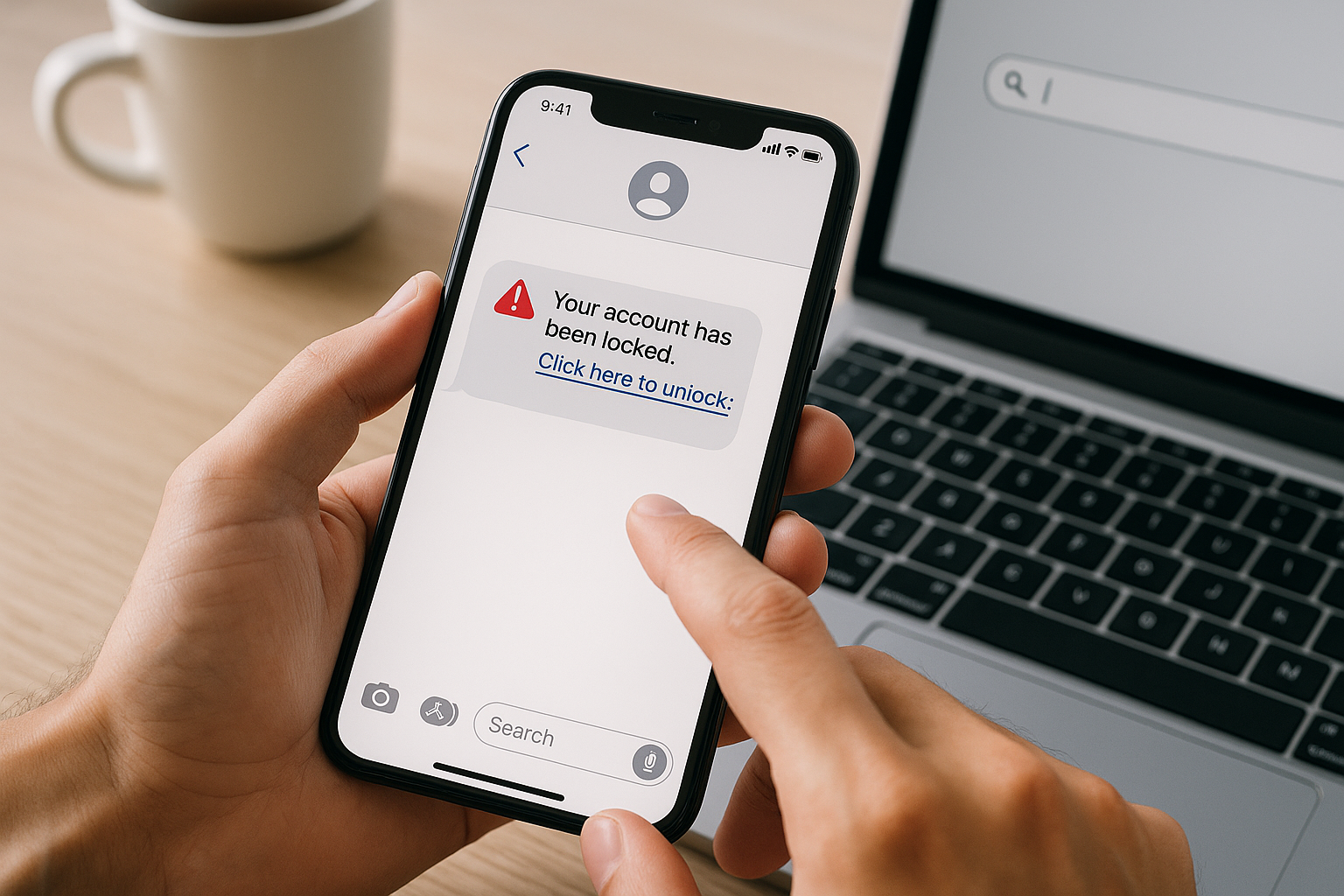
    Text message scams, known as smishing (SMS phishing), have become increasingly sophisticated. Scammers impersonate banks, delivery services, government agencies, and even people you know to trick you into revealing sensitive information or clicking malicious links. These messages often create urgency, claim your account has been compromised, or promise unexpected refunds or prizes. The goal is always the same: bypass your rational thinking and prompt immediate action.

    Before diving into verification methods, recognize common red flags. Legitimate organizations rarely request sensitive information via text, messages with spelling errors or awkward phrasing often indicate scams, and unexpected notifications about accounts you don’t have are obvious warnings. Generic greetings like “Dear Customer” instead of your name suggest mass distribution rather than personalized communication.

    Use Reverse Phone Lookup Services

    Your first line of defense is identifying who owns the number. Several reverse phone lookup services can help you determine whether a number belongs to a legitimate business or a known scammer. Free options include WhitePages, which provides basic carrier information and location data, and Truecaller, which crowdsources spam reports from millions of users worldwide. These services often flag numbers that multiple people have reported as suspicious.

    Premium services like Spokeo or BeenVerified offer more detailed information, including the phone owner’s name, address history, and associated records. While these require payment, they can be worthwhile if you’re dealing with persistent harassment or potential fraud. Keep in mind that results vary based on whether the number is a mobile, landline, or VoIP service, with VoIP numbers being harder to trace since they’re easily obtained and disposed of by scammers.

    Search the Number Online

    Beyond specialized lookup services, a simple web search can reveal valuable information. Type the suspicious number into Google or another search engine, preferably in quotes to search for the exact sequence. You’ll often find the number listed on scam-reporting websites, discussion forums, or social media posts from other victims. Sites like 800notes and WhoCallsMe specialize in collecting user reports about suspicious numbers.

    Pay attention to patterns in the reports. If dozens of people describe receiving identical messages about package deliveries or bank security alerts from the same number, you’re almost certainly dealing with a scam operation. However, absence of reports doesn’t guarantee legitimacy—scammers frequently rotate through new numbers to stay ahead of blocklists and reputation databases.

    Verify Claims Through Official Channels

    When a text claims to be from your bank, a delivery service, or another organization, never use contact information provided in the message itself. Instead, look up the official phone number or website independently. Call the organization directly using the number on your credit card, their official website, or previous legitimate correspondence. This extra step takes only a few minutes but prevents you from unwittingly contacting the scammers.

    Most legitimate companies have specific procedures for customer verification. If your bank texts you about suspicious activity, they’ll have a record of that communication when you call. If a delivery service claims they need additional information, you can verify this by checking your order status through their official app or website. According to the FTC’s guidance, legitimate businesses understand customer caution and appreciate verification efforts rather than pressuring immediate action.

    Analyze the Message Content

    The message itself contains numerous clues about its legitimacy. Scammers often create urgency by claiming your account will be closed, you’ll miss a delivery, or legal action is imminent unless you respond immediately. This pressure is intentional—they want you to act before thinking critically. Legitimate organizations give you reasonable time frames and multiple ways to address issues.

    Examine any links carefully without clicking them. Press and hold on a link to preview the URL destination. Legitimate businesses use domains that match their brand, like chase.com for Chase Bank or usps.com for the Postal Service. Scammers use similar-looking domains with slight misspellings (like arnaz0n.com instead of amazon.com) or completely unrelated URLs. URL shorteners like bit.ly or tinyurl are particularly suspicious in unsolicited messages because they hide the true destination.

    Check for Personalization

    Legitimate messages from companies you do business with typically include personal details like your name, partial account numbers, or references to recent transactions. Mass scam messages use generic greetings because the sender doesn’t actually know anything about you. They’re casting a wide net hoping a few people will have an Amazon order pending or a bank account that matches their fake alert.

    Use Your Phone’s Built-In Tools

    Modern smartphones include features designed to filter spam and protect you from suspicious messages. Both iPhone and Android devices allow you to report numbers as spam or junk, which helps carriers identify and block these numbers for other users. On iPhone, tap the number or contact name at the top of the message, then select “info” and “Report Junk.” Android users can long-press a message thread and select “Block & report spam.”

    Enable carrier-level spam protection services. Major carriers like Verizon, AT&T, and T-Mobile offer free spam identification and blocking features, though you may need to activate them through your account settings or by downloading their dedicated apps. These services use sophisticated algorithms and databases of known scam numbers to filter messages before they reach your inbox.

    Consider Third-Party Security Apps

    Several mobile security applications specialize in identifying and blocking suspicious texts. Apps like RoboKiller, Nomorobo, and Hiya maintain constantly updated databases of scam numbers and use machine learning to identify new threats. These apps work in the background, automatically filtering suspicious messages to a separate folder or blocking them entirely.

    While these apps offer robust protection, review their privacy policies carefully. Some collect data about your messages and contacts, which creates its own privacy concerns. Choose apps from reputable developers with transparent data practices, and read recent user reviews to ensure they remain effective and don’t create excessive false positives that block legitimate messages.

    Report Suspicious Numbers to Authorities

    Reporting scam messages helps protect others and enables authorities to track fraud patterns. Forward suspicious texts to 7726 (SPAM) on most major carriers—this service is free and alerts your carrier to the problem. The carrier may investigate the number and take action to prevent further abuse of their network.

    For more serious threats, especially those involving impersonation of government agencies or financial fraud attempts, file a report with the Federal Trade Commission at ReportFraud.ftc.gov. The FBI’s Internet Crime Complaint Center also accepts reports of technology-facilitated crimes. While individual reports may not result in immediate action, aggregated data helps law enforcement identify large-scale operations and coordinate takedowns.

    What to Do If You’ve Already Responded

    If you’ve already replied to a suspicious text or clicked a link, don’t panic—but act quickly. First, do not provide any additional information regardless of follow-up messages. If you clicked a link, run a security scan on your device using your phone’s built-in security features or a reputable mobile antivirus app. Change passwords for any accounts that might be compromised, starting with email and banking, and enable two-factor authentication wherever possible.

    Monitor your financial accounts closely for unauthorized transactions. If you shared banking information, credit card numbers, or social security data, contact your bank immediately and consider placing a fraud alert on your credit reports through one of the three major credit bureaus. According to consumer protection resources from the FTC, early detection and response significantly reduce the damage from identity theft.

    Frequently Asked Questions

    Can scammers tell if I’ve read their text message?

    No, scammers cannot see read receipts from standard SMS messages like they might on messaging apps. Reading a text message itself is safe and doesn’t alert the sender. However, clicking any links in the message can notify the scammer that they’ve reached an active number, leading to more targeted attacks. Your safest approach is to read the message to assess it, but take no further action if it seems suspicious.

    What happens if I text “STOP” to a spam number?

    Replying “STOP” to a legitimate marketing text will remove you from their list, but responding to scam messages confirms your number is active and monitored. This often results in more spam, not less. If you don’t recognize the sender, simply block the number through your phone settings instead of replying. Only use “STOP” for messages from companies you’ve actually done business with.

    Are area codes a reliable way to identify suspicious texts?

    Not anymore. Scammers routinely spoof local area codes to make their messages appear more trustworthy—a tactic called neighbor spoofing. They know you’re more likely to respond to a number that looks like it’s from your community. Additionally, with number portability and VoIP services, area codes no longer reliably indicate geographic location. Focus on the message content and sender verification rather than the area code alone.

    Can my phone get infected just by receiving a text message?

    Receiving a text message itself won’t infect your phone, but clicking links or downloading attachments from suspicious texts can install malware. Modern smartphones have security measures that make infections difficult without user interaction, but vulnerabilities do occasionally exist. Keep your phone’s operating system updated, avoid clicking links in unsolicited messages, and don’t download apps from untrusted sources to minimize risk.

    How do scammers get my phone number in the first place?

    Your phone number can be obtained through data breaches, purchased from data brokers, harvested from public records or social media profiles, or generated through automated dialing of number sequences. Once your number appears in one database, it often gets sold and resold to multiple scam operations. This is why limiting where you share your phone number and using secondary numbers for non-essential accounts can reduce exposure.

    Should I change my phone number if I keep getting scam texts?

    Changing your number is usually unnecessary and inconvenient. Instead, aggressively block and report spam messages, enable carrier-level spam filtering, and consider using third-party blocking apps. Most scam campaigns move on to other numbers relatively quickly. Changing your number is a last resort for extreme cases of persistent harassment or if your number has been widely compromised in connection with your identity.

    Is it safe to call back a suspicious number to confront them?

    Never call back suspicious numbers. Some scams involve premium-rate numbers that charge exorbitant fees the moment you connect, while others use callbacks to confirm active numbers for future targeting. Confronting scammers achieves nothing productive and may expose you to additional risks. Instead, block the number, report it to your carrier and the FTC, and move on without engagement.

  • How to Verify a Call Claiming to Be From a Bank

    How to Verify a Call Claiming to Be From a Bank

    TL;DR

    Never trust caller ID alone when someone claims to be from your bank, as scammers easily spoof legitimate numbers. Hang up and call your bank directly using the number on your card, statement, or official website to verify any request for personal information or urgent action. Real banks rarely call demanding immediate payments, passwords, or account transfers, and they’ll never pressure you to stay on the line or move money to “protect” your account.

    Understanding Why Bank Impersonation Calls Are So Convincing

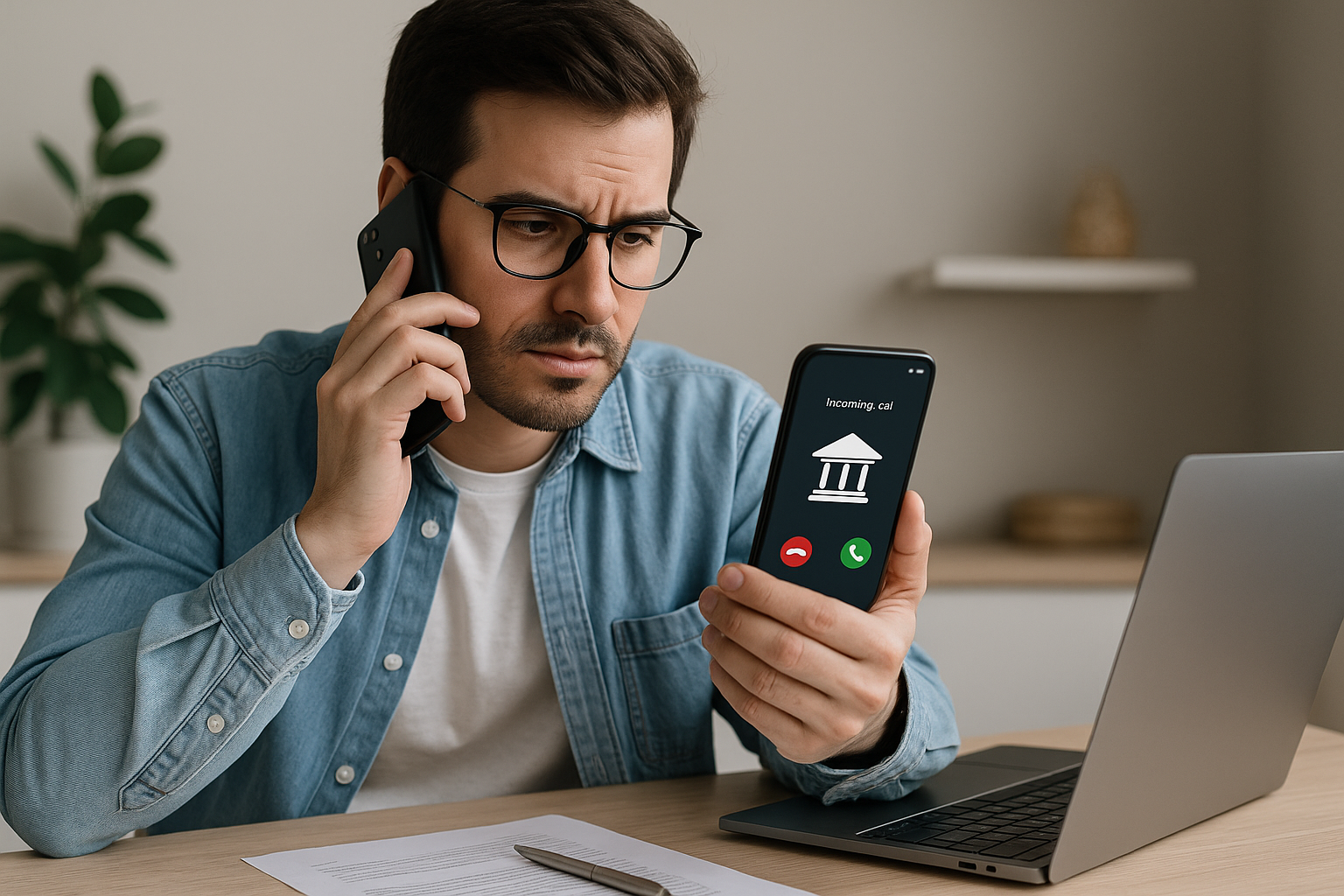
    Bank impersonation scams have become remarkably sophisticated. Criminals use technology to make their calls appear legitimate, displaying your actual bank’s name and phone number on your caller ID through a technique called spoofing. They research your personal information from data breaches, social media, and public records, then use these details to sound credible and catch you off-guard. Some scammers even know your account balance, recent transactions, or the last four digits of your account number, which they’ve obtained through previous breaches or phishing attempts.

    These fraudsters create urgency to bypass your natural skepticism. They might claim your account has been compromised, suspicious charges are pending, or your debit card needs immediate replacement. By triggering fear or concern, they hope you’ll act quickly without thinking critically about the situation. The more panicked you feel, the less likely you are to question their legitimacy or follow proper verification procedures.

    Immediate Steps When You Receive a Suspicious Call

    When someone claiming to be from your bank calls, resist the impulse to answer their questions immediately. Legitimate bank representatives understand security concerns and won’t be offended if you want to verify their identity. Your first action should be to stay calm and recognize that real financial institutions have established procedures that don’t require split-second decisions over the phone.

    Tell the caller you’ll contact the bank directly to discuss the matter, then end the call. Don’t use any callback number they provide, even if they insist it’s a “direct line” to their department. Scammers sometimes set up forwarding numbers that route back to their operation, creating the illusion you’re calling the bank when you’re actually still connected to the fraud ring. Wait at least a few minutes after hanging up to ensure the line is completely disconnected before making your own call.

    Retrieve your bank’s official phone number from a trusted source: your debit or credit card, a recent paper statement, your bank’s mobile app, or by typing their website address directly into your browser. Never search for the number using a search engine while stressed, as scammers create fake websites and pay for ads that appear at the top of search results. Once you’re speaking with a verified bank representative through your initiated call, explain the previous contact and ask whether your account has any legitimate issues requiring attention.

    Red Flags That Signal a Scam Call

    Certain behaviors and requests during a call reliably indicate fraud. Banks never ask for your full PIN, complete password, or online banking credentials over the phone. They already have secure ways to verify your identity without these sensitive details. If someone requests this information, you’re speaking with a scammer regardless of how legitimate they sound.

    High-pressure tactics represent another unmistakable warning sign. Scammers create artificial urgency, claiming you’ll lose access to your funds, face legal action, or have your account frozen unless you act immediately. They may insist you stay on the line continuously, preventing you from thinking clearly or consulting with someone you trust. Real bank fraud departments handle genuine security issues without requiring customers to remain on the phone for extended periods or make immediate irreversible decisions.

    Be immediately suspicious of anyone directing you to move money between accounts, purchase gift cards, wire funds, or use cryptocurrency to “protect” your money. According to the FDIC’s consumer guidance, legitimate banks never ask customers to transfer money to “safe” accounts during fraud investigations. They resolve security issues internally without requiring you to handle the money yourself. Similarly, no authentic financial institution accepts gift cards or cryptocurrency as payment for fees, penalties, or security deposits.

    Watch for requests to download remote access software like AnyDesk, TeamViewer, or similar applications. Scammers use these programs to take control of your computer or phone, allowing them to access your banking apps, steal credentials, and manipulate what you see on your screen. Banks conduct their legitimate technical support without needing remote access to your personal devices.

    Advanced Verification Techniques

    Beyond the basic “hang up and call back” method, additional verification layers can protect you. When you call your bank using a verified number, ask the representative about any recent outbound calls from their institution to your phone. They can check their system to see whether anyone legitimately attempted to contact you. If there’s no record of such a call, you’ve confirmed the earlier contact was fraudulent and should file a fraud report.

    Enable two-factor authentication and fraud alerts through your bank’s official channels. These security features send you text messages or app notifications about suspicious activity, giving you a reference point when someone calls claiming there’s a problem. If you receive a call about suspicious activity but haven’t received any automated alerts, that discrepancy suggests the call isn’t legitimate.

    Establish a verbal password or security phrase with your bank specifically for phone interactions. While not all institutions offer this service, some allow you to create a unique code word that must be exchanged during phone conversations to verify both parties’ authenticity. This simple measure makes impersonation significantly harder for scammers who haven’t obtained this specific piece of information.

    What Banks Actually Do When They Call

    Understanding standard banking procedures helps you distinguish legitimate calls from scams. Banks typically use automated systems to alert you about low balances, upcoming payment due dates, or potential fraud. When a human representative does call, they usually ask you to verify information they already have rather than requesting sensitive data they shouldn’t need.

    For genuine fraud concerns, banks might ask you to confirm whether you made specific transactions. They’ll reference particular charges, locations, or merchants and ask for simple yes or no answers. They won’t ask you to provide your card number, security code, or PIN during these conversations. If they need you to take action on your account, they’ll direct you to visit a branch, use your mobile app, or log into your verified online banking portal rather than handling sensitive operations over the phone.

    Many banks now communicate primarily through secure messages within their mobile apps or online banking platforms rather than unsolicited phone calls. Check your bank’s communication preferences in your account settings and opt for these more secure notification methods when available. This reduces the likelihood of legitimate calls and makes any phone contact more suspicious by default.

    Reporting Suspicious Calls

    Reporting fraud attempts helps protect others and allows authorities to track scam operations. Contact your bank immediately through verified channels to inform them about the impersonation attempt, even if you didn’t fall for the scam. They can flag your account for additional monitoring and contribute data to broader fraud-tracking systems.

    File a complaint with the Federal Trade Commission, which maintains a comprehensive database of scam reports. This information helps law enforcement identify patterns, track criminal operations across state lines, and develop consumer warnings about emerging fraud tactics. Your report becomes part of a larger intelligence picture that aids investigation and prosecution efforts.

    If the scammer already obtained personal information, account numbers, or managed to steal money, you should also file a report with your local police department and consider placing a fraud alert on your credit reports through the major credit bureaus. These steps create an official record of the fraud and trigger additional safeguards that make it harder for criminals to open accounts or take loans in your name. The Federal Trade Commission’s identity theft portal provides personalized recovery plans based on your specific situation.

    Protecting Yourself Going Forward

    Develop a personal policy of never conducting sensitive banking business over incoming calls. Make it your standard practice to tell any caller you’ll contact the institution directly, regardless of how legitimate they seem. This simple rule eliminates nearly all phone-based banking scams since you’re always initiating contact through verified channels.

    Review your bank statements and transaction history regularly, at least weekly. Early detection of unauthorized charges limits your liability and stops fraud before it escalates. Most banks offer mobile apps with real-time transaction notifications, allowing you to spot suspicious activity within minutes rather than weeks.

    Stay educated about current scam tactics by periodically checking resources from consumer protection agencies. Fraud techniques evolve constantly, with criminals developing new approaches as old methods become widely recognized. What works to protect you today might need updating as scammers adapt their strategies.

    Consider reducing the personal information available about you online. Scammers build convincing profiles by harvesting details from social media, people-search websites, and data broker databases. Tightening your privacy settings, removing outdated profiles, and opting out of data broker sites makes it harder for criminals to research you and craft personalized fraud attempts.

    Frequently Asked Questions

    Can scammers really make caller ID show my actual bank’s number?

    Yes, caller ID spoofing is surprisingly easy and requires minimal technical knowledge. Scammers use readily available online services and software to display any phone number they choose, including your bank’s legitimate number. This is why caller ID alone cannot be trusted to verify a caller’s identity, and you should always independently confirm contact through official channels regardless of what your phone displays.

    What if the caller knows personal details about my account?

    Data breaches affecting retailers, healthcare providers, and other institutions frequently expose personal information including partial account numbers, addresses, and transaction details. Criminals purchase this stolen data and use it to sound more credible during scam calls. Just because someone knows some accurate information about you doesn’t mean they’re legitimately from your bank. Always verify independently through official channels before discussing sensitive account matters.

    Should I press any numbers if an automated system says my card is locked?

    No, hang up immediately and call your bank using the number on your card or statement. Automated scam calls often prompt you to press a number to speak with someone, which connects you directly to a scammer waiting to collect your information. Legitimate automated bank systems typically direct you to call a specific number or check your mobile app rather than transferring you to a representative through the incoming call.

    How quickly should I call my bank back after hanging up on a suspicious caller?

    Wait at least two to three minutes after ending the suspicious call before dialing your bank. This pause ensures the phone line is completely disconnected. Some scammers keep the line open after you think you’ve hung up, then play a fake dial tone and answer as if they’re the bank when you make your callback. Using a different phone to call back, if available, provides even more certainty.

    Will my bank think I’m difficult if I always insist on calling them back?

    Absolutely not. Banks understand the prevalence of fraud and expect security-conscious customers to verify unexpected calls. Legitimate bank representatives deal with this regularly and respect customers who take verification seriously. Any caller who becomes irritated, defensive, or pushes back against your decision to call back independently is revealing themselves as a scammer, since real bank employees know this is proper security practice.

    What should I do if I already gave information to a scammer?

    Contact your bank immediately using a verified phone number to report the fraud and secure your accounts. They may need to freeze accounts, issue new cards, change passwords, and monitor for unauthorized transactions. File a report with the Federal Trade Commission and your local police, then monitor your credit reports closely for several months. Consider placing a fraud alert or credit freeze on your credit files to prevent new accounts from being opened in your name. Act quickly, as immediate response significantly limits potential damage.

    Are text messages or emails from my bank safer than phone calls?

    Not necessarily, as scammers also send fake texts and emails that appear to come from banks. These messages often contain links to fake websites designed to steal your login credentials. Never click links in unexpected messages claiming to be from your bank. Instead, open your bank’s official app or type their web address directly into your browser to check for any legitimate alerts. The safest communication channel is one you initiate yourself through officially verified contact methods.

  • How to Identify a One-Ring Phone Scam

    How to Identify a One-Ring Phone Scam

    TL;DR

    A one-ring phone scam occurs when scammers call your phone and hang up after one ring, hoping you’ll call back a premium-rate number that charges high fees. To identify these scams, watch for calls from unfamiliar international area codes, calls that disconnect after a single ring, and numbers you don’t recognize that appear in the middle of the night. Never return calls to unknown numbers, and verify suspicious numbers through reverse lookup services before engaging.

    Understanding the One-Ring Phone Scam Mechanism

    One-ring scams, also known as Wangiri fraud (from the Japanese word meaning “one ring and cut”), represent a simple yet effective scheme that exploits human curiosity and the instinct to return missed calls. Scammers use automated systems to call thousands of phone numbers, disconnecting after just one ring. The goal is to generate a list of active numbers and entice recipients to call back.

    When you return the call, you’re connected to a premium-rate phone number that charges exorbitant per-minute fees. These charges appear on your phone bill, and the scammers receive a portion of the revenue. Sometimes the call connects to an automated message designed to keep you on the line as long as possible, maximizing the fees you incur. In other variations, the line may simply play hold music or remain silent while charges accumulate.

    The Federal Communications Commission has documented these scams extensively, noting that they frequently use international numbers from countries in the Caribbean, Eastern Europe, and West Africa where premium-rate regulations differ from U.S. standards.

    Recognizable Patterns of One-Ring Scam Calls

    Identifying these scams requires recognizing specific patterns that distinguish them from legitimate missed calls. The most obvious indicator is the single ring itself. Unlike normal callers who let the phone ring several times before hanging up or leaving a voicemail, scammers intentionally disconnect after one ring to create urgency without triggering your voicemail system.

    The timing of these calls often follows predictable patterns. Many occur during early morning hours or late at night when you’re unlikely to answer but will notice the missed call later. This timing serves dual purposes: it reduces the chance of someone actually answering (which would cost the scammer money) while ensuring you’ll see the notification and potentially feel compelled to investigate who called at such an unusual hour.

    The area codes and country codes provide critical clues. Common sources for these scams include numbers beginning with +375 (Belarus), +371 (Latvia), +381 (Serbia), and various Caribbean nations that share area codes similar to U.S. numbers. Caribbean locations are particularly problematic because numbers from places like Antigua (+1-268), Grenada (+1-473), and Jamaica (+1-876) appear as domestic calls to many Americans, lowering suspicion.

    Red Flags That Signal a Scam

    Several warning signs should immediately raise your suspicion. If you receive a call from a number you’ve never contacted before, especially one with an unfamiliar area code, exercise caution. Legitimate callers typically leave voicemails, while scammers avoid this because voicemail systems would expose their operation. If your missed call notification shows no voicemail, consider it suspicious.

    Multiple calls in short succession from different but similar numbers indicate an automated dialing system at work. Scammers often use number ranges that differ by only a few digits, suggesting a coordinated campaign rather than an individual trying to reach you. Additionally, if the number appears partially blocked, shows up as “unknown,” or displays formatting inconsistent with standard phone numbers, these irregularities suggest fraudulent intent.

    Geographic Indicators and Number Formatting

    Understanding number formats helps identify potential scams before you respond. International numbers typically begin with a plus sign followed by a country code, such as +44 for the United Kingdom or +91 for India. However, not all international numbers are scams, so context matters. An unexpected call from a country where you have no contacts or business relationships warrants skepticism.

    Certain regions have become hotspots for one-ring operations. Moldova (+373), Mauritania (+222), and various Pacific island nations frequently appear in scam reports. The Better Business Bureau has tracked complaints about premium-rate scams and notes that some area codes within the North American Numbering Plan, particularly those in the Caribbean, are disproportionately associated with these schemes.

    Domestic area codes can also serve as scam vectors. Numbers from area codes you don’t recognize, especially those that don’t correspond to major metropolitan areas or places where you have connections, deserve scrutiny. While legitimate telemarketing and robocalls exist, the single-ring pattern distinguishes scams from these annoying but legal activities.

    Verification Steps Before Returning Calls

    Before returning any suspicious call, take proactive steps to verify its legitimacy. Start by entering the number into a search engine with quotation marks around it to find exact matches. This often reveals whether others have reported the number as fraudulent. Numerous websites and forums document known scam numbers, providing real-time information about emerging threats.

    Reverse phone lookup services offer another layer of verification. While some require payment, many free options provide basic information about a number’s origin and whether it’s associated with legitimate businesses. These services can identify whether a number belongs to a premium-rate service or has been flagged for suspicious activity.

    Contact your phone carrier if you’re uncertain about charges. Representatives can explain whether a particular area code or country code would incur premium rates and often have information about active scam campaigns. Many carriers also offer call-blocking services specifically designed to filter out known scam numbers.

    Protective Measures and Best Practices

    Prevention requires both technological tools and behavioral discipline. Enable your phone’s built-in spam filtering features, which most modern smartphones include. These systems use databases of reported scam numbers to automatically block or flag suspicious calls. While not perfect, they provide a valuable first line of defense.

    Third-party call-blocking apps offer enhanced protection. These applications maintain constantly updated databases of scam numbers and can block calls before your phone rings. Some apps also provide community-based reporting, allowing users to flag suspicious numbers and warn others in real time.

    Adopt a simple personal policy: never return calls to numbers you don’t recognize unless they leave a voicemail explaining who they are and why they’re calling. Legitimate callers will always identify themselves and provide contact information. This single habit eliminates most one-ring scam risks immediately.

    Register your number with the National Do Not Call Registry, which won’t stop scammers operating from overseas but reduces the volume of unwanted calls overall. This makes it easier to spot truly suspicious calls among less frequent legitimate telemarketing.

    What to Do If You’ve Already Fallen Victim

    If you’ve already returned a call and suspect you’ve been scammed, act quickly to minimize damage. Contact your phone carrier immediately to dispute any premium-rate charges. Many carriers will remove these fees if you report them promptly, especially if they can verify the number is associated with known scams.

    File a complaint with the Federal Trade Commission, which tracks fraud patterns and uses complaint data to identify and pursue scammers. While individual complaints may not result in immediate action, aggregate data helps authorities recognize trends and allocate enforcement resources.

    Monitor your phone bills carefully for several months after the incident. Some scam operations bill in small increments hoping victims won’t notice, while others may use your confirmed active number for additional schemes. Document any suspicious charges and report them immediately.

    Consider changing your phone number if you continue receiving repeated scam calls after an incident. While inconvenient, this may be necessary if your number has been widely circulated among scammer networks as a responsive target.

    Frequently Asked Questions

    Can answering a one-ring call result in charges even if I hang up immediately?

    No, simply answering a call doesn’t typically result in charges. The scam works when you call back the number, connecting to a premium-rate line that charges per minute. However, international calls you initiate will incur standard international calling rates from your carrier, which can be expensive even without the premium-rate scam component. The real financial danger comes from staying on the line once you’ve called back, as this allows both premium-rate charges and extended international calling fees to accumulate.

    Are one-ring scams illegal, and do authorities prosecute them?

    Yes, these scams are illegal under various federal fraud and telecommunications laws. However, prosecution is complicated because scammers typically operate from overseas jurisdictions with limited cooperation with U.S. law enforcement. The international nature of these schemes makes it difficult to identify and apprehend perpetrators. Regulatory agencies focus more on educating consumers, pressuring phone carriers to implement better protections, and occasionally pursuing high-profile cases that generate significant losses.

    How do scammers profit from one-ring scams?

    Scammers profit through revenue-sharing agreements with premium-rate phone services. When you call back a premium-rate number, the service charges exceptionally high per-minute fees, often several dollars per minute. The scammer receives a percentage of these charges, which appear on your phone bill. With automated systems calling thousands of numbers simultaneously, even a small response rate generates substantial profits with minimal effort or investment from the scammer.

    Will blocking the number prevent future scam attempts?

    Blocking a specific number helps with that particular scammer, but it won’t prevent all one-ring attempts. Scammers use automated systems that rotate through numerous phone numbers, so blocking one does little to stop the broader operation. However, blocking remains worthwhile as part of a comprehensive defense strategy. Combined with spam-filtering apps and cautious behavior regarding unknown calls, blocking contributes to reducing your overall exposure to these schemes.

    Do one-ring scams only target mobile phones?

    While mobile phones are the primary target because of their portability and the likelihood that people will notice missed calls, landlines can also receive one-ring scam attempts. However, landline users are generally less likely to notice a single missed ring and less accustomed to immediately returning all missed calls, making them less profitable targets. Scammers prefer mobile numbers because smartphone notifications create stronger psychological pressure to investigate missed calls.

    Can my carrier prevent these calls from reaching me entirely?

    Phone carriers have implemented various protections, including blocking known scam numbers and flagging suspicious calls, but they cannot prevent all one-ring attempts. The constantly changing numbers and international routing make complete prevention impossible without blocking all international calls, which would affect legitimate communications. Most carriers offer opt-in services that provide stronger filtering, but these may occasionally block wanted calls. The most effective protection combines carrier-level filtering with personal vigilance and third-party blocking apps.

    What should I tell family members who are less familiar with phone scams?

    Educate family members, especially older adults and young people who may be less aware of these schemes, using simple guidelines: never call back unfamiliar numbers, always wait for voicemail, and verify numbers through online searches before responding. Explain that legitimate callers will identify themselves and that curiosity about a missed call isn’t worth the financial risk. Consider helping them install call-blocking apps on their phones and enabling built-in spam filters, as these technological protections complement behavioral awareness to provide comprehensive defense against one-ring and other phone scams.

  • How to Check Whether a Caller ID Has Been Spoofed

    How to Check Whether a Caller ID Has Been Spoofed

    TL;DR

    Caller ID spoofing occurs when scammers deliberately falsify the phone number displayed on your screen to disguise their identity or trick you into answering. You can detect spoofed calls by verifying mismatches between the displayed number and the caller’s actual identity, using reverse phone lookup services, checking for suspicious behavior patterns like urgent requests for personal information, and leveraging call authentication technologies like STIR/SHAKEN that many carriers now implement. The most reliable protection combines skepticism toward unexpected calls, independent verification of caller claims through official channels, and tools like call-blocking apps.

    Understanding Caller ID Spoofing

    Caller ID spoofing has become one of the most prevalent tactics used by scammers to bypass your defenses. The technology allows someone to manipulate the information transmitted to your caller ID display, making it appear as though the call originates from a trusted source like a local number, government agency, or legitimate business. This manipulation exploits the way traditional phone networks transmit calling information, which was never designed with robust authentication in mind.

    The practice itself isn’t inherently illegal when used for legitimate purposes. Businesses sometimes display a main customer service number rather than showing multiple outbound lines, and law enforcement may spoof numbers during sensitive operations. However, the FCC prohibits caller ID spoofing when done with the intent to defraud, cause harm, or wrongfully obtain something of value. Scammers exploit this technology to increase answer rates by making their calls appear local or trustworthy, then attempt to steal personal information, extort money, or gain access to financial accounts.

    Signs That Suggest a Spoofed Number

    Several red flags can indicate you’re dealing with a spoofed caller ID. The most obvious occurs when the displayed number doesn’t match the organization the caller claims to represent. If someone says they’re calling from your bank but the number shown isn’t one you recognize from your bank statements or official correspondence, you’re likely experiencing spoofing.

    Another clear indicator appears when you receive multiple calls from numbers with your exact area code and prefix, sometimes called “neighbor spoofing.” Scammers use this technique because people are more likely to answer calls that appear local. If you’re suddenly getting several calls per day from numbers that look remarkably similar to your own, spoofing is almost certainly involved.

    Pay attention to the caller’s behavior once you answer. Spoofed calls frequently involve high-pressure tactics, urgent demands for immediate action, requests for sensitive information like Social Security numbers or bank account details, and threats of legal action or account suspension. Legitimate organizations rarely operate this way, especially when calling unexpectedly.

    Verification Methods to Identify Spoofed Calls

    The most straightforward verification method involves independently confirming the caller’s identity. Never trust the number displayed on your screen as proof of legitimacy. Instead, hang up and call the organization back using a number you find through official channels like the company’s website, your account statements, or the back of your credit card. This simple step eliminates the spoofing advantage because you’re initiating contact through verified channels.

    Reverse phone lookup services can help identify suspicious numbers, though their effectiveness varies. Many legitimate services maintain databases of known scam numbers reported by users. When you receive a questionable call, entering the number into these services may reveal whether others have reported it as fraudulent. However, keep in mind that spoofed numbers often change rapidly, and the displayed number might actually belong to an innocent person whose number is being misused.

    Ask specific questions that only the legitimate organization would know. If someone claims to represent your bank, ask them to verify recent transactions, your account balance, or other details that appear on your statements. Real representatives can access this information through their systems, while scammers cannot. Their response to these verification requests often reveals their true nature.

    Technology-Based Detection Tools

    Modern phone networks increasingly deploy authentication protocols designed to combat spoofing. The STIR/SHAKEN framework represents the telecommunications industry’s most significant effort to verify caller ID authenticity. This technology allows phone carriers to digitally sign calls, confirming that the calling number hasn’t been manipulated. Major carriers have implemented these protocols, and compatible phones may display verification indicators showing whether a call’s origin has been authenticated.

    Call-blocking applications provide another layer of protection. Apps like Nomorobo, Truecaller, and Hiya maintain crowdsourced databases of suspicious numbers and use algorithms to identify potential scam calls. These applications can automatically flag or block calls based on spoofing patterns and user reports. While no app catches every spoofed call, they significantly reduce the volume of fraudulent calls that reach you.

    Your carrier’s built-in spam protection services offer varying levels of effectiveness. Most major providers now include some form of spam identification that labels suspicious calls before you answer. Some carriers offer enhanced protection as a premium service, though basic features are often included at no charge. Check your carrier’s offerings and enable any available call-screening features.

    What to Do When You Suspect Spoofing

    If you answer a call and suspect spoofing, terminate the conversation immediately without providing any personal information. Scammers often use social engineering to extract details piece by piece, so the safest approach is simply ending the call. Don’t press numbers if prompted, as this can confirm your number is active and lead to more calls.

    Document the details while they’re fresh in your memory. Note the displayed number, the date and time, what the caller claimed, and any specific requests made. This information becomes valuable if you need to report the incident or if the scam attempt is part of a larger pattern targeting your area.

    Report suspected spoofing to the appropriate authorities. The Federal Trade Commission accepts complaints about unwanted calls through their online portal, which helps track scam trends and enforcement actions. You can also report violations to the FCC and your state attorney general’s office. While individual reports may not result in immediate action, aggregate data helps authorities identify and pursue scammers.

    Consider adding the number to your phone’s block list, though recognize that spoofed numbers change frequently and may actually belong to innocent parties. If you receive multiple spoofed calls from different numbers, blocking individual numbers becomes less effective than using comprehensive call-screening tools.

    Prevention Strategies Beyond Detection

    The most effective protection against caller ID spoofing combines detection with prevention. Register your number on the National Do Not Call Registry, which won’t stop scammers but reduces legitimate telemarketing calls, making suspicious calls easier to spot. Understanding that registration won’t eliminate illegal calls helps set realistic expectations.

    Limit how widely you share your phone number. Every time you provide your number to a website, service, or business, you increase the chances it will end up on lists that scammers acquire. When possible, use alternative contact methods or separate numbers for non-essential services.

    Educate yourself about current scam tactics. Scammers constantly evolve their approaches, and awareness of the latest schemes helps you recognize them quickly. Government agencies and consumer protection organizations regularly publish warnings about emerging threats, and staying informed makes you a harder target.

    Trust your instincts when something feels wrong. If a call seems suspicious despite appearing legitimate on caller ID, that discomfort often reflects subtle cues your subconscious has detected. Legitimate organizations understand security concerns and won’t object to you verifying their identity through independent channels.

    Frequently Asked Questions

    Can you trace a spoofed phone number back to the actual caller?

    Tracing spoofed calls is extremely difficult for individuals and often requires law enforcement resources. While your phone carrier can sometimes track the actual origin of a call through technical analysis of network data, this information isn’t readily accessible to consumers. Law enforcement agencies can request this data during investigations, but the international nature of many spoofing operations and the use of internet-based calling systems often make tracing ineffective. Your best protection remains prevention and verification rather than attempting to identify the true caller.

    Why do spoofed calls sometimes show my own phone number?

    Scammers occasionally spoof your own number back to you as a psychological tactic. This shocking display often prompts curiosity that leads people to answer. The technique exploits caller ID systems’ lack of authentication, allowing scammers to input any number they choose, including yours. If you see your own number calling, never answer, as no legitimate reason exists for you to receive a call from yourself. This represents one of the clearest indicators of spoofing you’ll encounter.

    Are calls from local area codes more likely to be spoofed?

    Local-appearing numbers are actually more likely to involve spoofing because scammers specifically use “neighbor spoofing” to increase answer rates. Research shows people answer calls that appear local significantly more often than calls from unfamiliar area codes. Scammers exploit this tendency by generating numbers that match your area code and sometimes your prefix, making them appear as though they’re from your community. If you notice a pattern of calls from similar-looking local numbers, spoofing is probably involved.

    Does answering a spoofed call put my phone at risk?

    Simply answering a spoofed call doesn’t directly compromise your phone’s security or install malware. The primary risk lies in what happens during the conversation if you provide personal information, follow instructions to download software, or share account access details. However, answering does confirm to scammers that your number is active, potentially leading to more frequent targeting. The safest approach involves letting unknown calls go to voicemail and only returning calls to verified numbers.

    Can businesses legally use caller ID spoofing?

    Yes, businesses can legally use caller ID spoofing for legitimate purposes without intent to defraud. Many companies display a central customer service number rather than showing individual employee extensions or departmental lines, which technically constitutes spoofing. Medical practices may display their main number when doctors call patients from personal phones. The key legal distinction involves intent—spoofing becomes illegal when used to deceive someone for purposes of fraud or obtaining something of value through misrepresentation.

    How effective is the STIR/SHAKEN technology at preventing spoofed calls?

    STIR/SHAKEN provides meaningful improvement but isn’t a complete solution to caller ID spoofing. The technology allows carriers to verify that calling numbers haven’t been manipulated along the network path, and calls that pass authentication are less likely to be fraudulent. However, implementation remains incomplete across all networks, particularly for international calls, and scammers continue finding workarounds. The system works best as one component of a broader anti-spoofing strategy that includes call-blocking apps, user vigilance, and carrier-level filtering.

    What should I do if my phone number is being spoofed by scammers?

    Unfortunately, you have limited options if scammers are spoofing your number to call others. You might receive angry callbacks from people who see your number on their caller ID, but you’re not responsible for the scammers’ actions. Explain calmly that your number has been spoofed and you didn’t make the calls. Consider recording a voicemail message explaining the situation if you receive many such callbacks. Report the spoofing to your carrier and the FCC, though stopping the practice often requires the scammers to move on to different numbers on their own, which typically happens after a short period.

  • What Does Scam Likely Mean on Caller ID?

    What Does Scam Likely Mean on Caller ID?

    TL;DR

    “Scam Likely” on your caller ID is a warning label that your phone carrier automatically displays when an incoming call is suspected to be fraudulent or a scam. Major carriers like T-Mobile, AT&T, and Verizon use call analytics technology to identify suspicious calling patterns and flag these numbers before you answer. When you see this label, it means the call has been flagged based on characteristics commonly associated with robocalls, spoofed numbers, or known scam operations, and you should probably avoid answering.

    How Phone Carriers Identify Scam Calls

    Phone carriers use sophisticated algorithms and databases to analyze billions of calls in real time. These systems examine multiple data points for each incoming call, including call volume patterns, call duration, caller ID authentication, and reports from other users who have flagged numbers as suspicious. When a number exhibits behavior consistent with scam operations—such as making an unusually high volume of calls in a short period, frequently changing caller ID information, or originating from known scam call centers—the carrier’s system flags it.

    The technology behind this screening relies on both automated pattern recognition and crowdsourced data. If thousands of people receive calls from the same number within minutes and most calls are immediately rejected or reported as spam, the carrier’s algorithm learns to recognize this pattern. Additionally, carriers share information about known scam numbers through industry databases, creating a collective defense against phone fraud that benefits all subscribers.

    The Difference Between Carrier Labels

    Different phone carriers use varying terminology to warn you about suspicious calls, though they all serve the same basic purpose. T-Mobile pioneered the “Scam Likely” label in 2017, which has become so recognizable that many people use the term generically regardless of their carrier. AT&T displays calls as “Spam Risk” or “Fraud Risk” depending on the confidence level of their detection system. Verizon uses “Potential Spam” or “Spam Risk” for calls identified by their screening technology.

    The severity of the label often reflects how confident the carrier is that the call is illegitimate. A “Fraud Risk” designation typically indicates a higher certainty that the call is malicious compared to “Potential Spam,” which might include aggressive telemarketers who are technically legal but still unwanted. Some carriers also use numerical risk scores or color coding in their apps to give you more granular information about each suspicious call.

    Why Scammers Target Phone Users

    Phone scams remain profitable because they work on a numbers game. Scammers can use automated dialing systems to place thousands of calls per hour at minimal cost, and they only need a tiny percentage of people to fall for their schemes to make money. Common scam tactics include impersonating government agencies like the IRS or Social Security Administration, posing as tech support representatives, claiming you’ve won a prize, or threatening you with arrest unless you pay immediately.

    The sophistication of these operations has increased dramatically. Modern scammers use caller ID spoofing to make their calls appear to come from local numbers with the same area code as yours, a technique called “neighbor spoofing” that increases the likelihood you’ll answer. They may have purchased leaked personal data that allows them to reference specific details about you, making their pitch seem more legitimate. According to the Federal Trade Commission’s data, Americans lost billions to imposter scams, with phone calls remaining a primary contact method for fraudsters.

    What Happens When You Answer a Scam Likely Call

    Answering a call labeled “Scam Likely” generally doesn’t cause immediate harm, but it does signal to scammers that your number is active and monitored by a real person. This can result in your number being added to lists that are sold or shared among scam operations, leading to even more unwanted calls. Many scam calls are initially silent or play a recorded message designed to elicit a response or prompt you to press a number for more information.

    The real danger comes from engaging with the caller. Skilled scam artists use psychological manipulation techniques to create urgency, fear, or excitement that clouds your judgment. They may ask you to confirm personal information “for verification,” request payment through untraceable methods like gift cards or wire transfers, or convince you to install remote access software on your computer. Once you’ve interacted with a scammer, they often become more aggressive and persistent in their attempts to extract money or information.

    How to Protect Yourself from Scam Calls

    The simplest protection is to never answer calls from numbers you don’t recognize, especially those flagged by your carrier. Legitimate callers will leave a voicemail if their business is important, while scammers rarely do because leaving recorded evidence of their fraud creates liability. Most smartphones allow you to send unknown callers directly to voicemail automatically, which many security experts recommend enabling.

    You can strengthen your defenses by registering your number with the National Do Not Call Registry, though this primarily stops legitimate telemarketers rather than illegal scammers who ignore such restrictions. Many carriers offer enhanced call filtering services, sometimes for free and sometimes as a paid add-on, that provide more aggressive blocking of suspected scam calls. Third-party apps like Nomorobo, RoboKiller, or Hiya can add another layer of protection by maintaining their own databases of known scam numbers.

    If you accidentally answer a suspicious call, hang up immediately without saying anything or pressing any buttons. Never provide personal information, financial details, or confirm any data the caller claims to already have. Remember that legitimate government agencies and established companies will never call you demanding immediate payment, threatening arrest, or asking for sensitive information without prior correspondence through official channels.

    When Legitimate Calls Get Mislabeled

    The automated systems that identify scam calls aren’t perfect, and legitimate calls occasionally get flagged incorrectly. This happens most often with small businesses, medical offices, or service providers that make many outbound calls in patterns that resemble robocalling. Calls from numbers you’ve never interacted with before, even from real organizations, might trigger scam warnings simply because the algorithm doesn’t have enough data to verify their legitimacy.

    If you’re expecting an important call from a business or service provider and it comes through labeled as “Scam Likely,” you can verify its legitimacy by hanging up and calling back using a number you find independently through official websites or documentation. Never use a callback number provided in a voicemail or text message, as scammers often leave these as part of their scheme. Businesses experiencing legitimate flagging issues can work with carriers to verify their calling practices and get their numbers whitelisted, though this process can take time.

    The Role of STIR/SHAKEN Technology

    The telecommunications industry has implemented a framework called STIR/SHAKEN (Secure Telephone Identity Revisited / Signature-based Handling of Asserted information using toKENs) to combat caller ID spoofing. This technology allows phone carriers to verify that the caller ID information accompanying a call actually matches the network originating the call, making it much harder for scammers to disguise their real location or identity. The FCC mandated implementation of this technology across most of the phone network, significantly improving the accuracy of scam detection.

    When a call passes STIR/SHAKEN verification, it receives an attestation level indicating how confident the originating carrier is that the caller ID is legitimate. Calls that fail verification or come from networks that don’t support the technology are more likely to be flagged as potential scams by your carrier. While this system has reduced spoofing, scammers continue to adapt by using compromised legitimate numbers or exploiting smaller carriers with less robust verification systems.

    Frequently Asked Questions

    Should I ever answer a call marked as Scam Likely?

    Generally no, you should not answer calls labeled as Scam Likely. The risk of engaging with a scammer outweighs the small possibility that it’s a legitimate call incorrectly flagged. If it’s genuinely important, the caller will leave a voicemail that you can verify independently before calling back through official channels.

    Can scammers still reach me if I block Scam Likely numbers?

    Yes, scammers constantly rotate through different phone numbers and techniques to bypass blocking systems. While carrier filtering significantly reduces scam calls, no system catches 100% of them. Scammers also use number spoofing to make each call appear to come from a different source, making it impossible to block all potential scam numbers in advance.

    Why do I still get scam calls if I’m on the Do Not Call Registry?

    The Do Not Call Registry only affects legitimate telemarketers who follow the law. Scammers operate illegally and completely ignore the registry. In fact, some scammers scrape the registry to find active phone numbers to target, though registering still reduces legal telemarketing calls and is worth maintaining.

    Does my carrier charge extra for scam call identification?

    Basic scam call identification is typically included free with most major carrier plans, displaying labels like “Scam Likely” or “Spam Risk” at no additional cost. However, carriers often offer premium call filtering services with more advanced features like automatic blocking, reverse number lookup, and personal block lists as paid add-ons, usually ranging from three to ten dollars per month.

    What information do scammers want when they call?

    Scammers primarily seek financial information like credit card numbers, bank account details, and Social Security numbers that allow direct theft. They also collect personal data including birth dates, addresses, and mother’s maiden names used for identity theft. Some scams aim to get remote access to your computer or trick you into making immediate payments through gift cards, cryptocurrency, or wire transfers.

    Can I report scam calls to help prevent future ones?

    Yes, reporting scam calls helps carriers improve their detection algorithms and aids law enforcement investigations. Most carriers have built-in reporting features in their phone apps or call logs. You can also file complaints with the Federal Trade Commission through their website, which tracks scam trends and takes enforcement action against illegal operations when possible.

    Will answering and immediately hanging up cause problems?

    Answering and quickly hanging up won’t cause immediate technical problems, but it confirms to scammers that your number is active and answered by a real person. This typically results in more frequent scam calls as your number gets flagged as a viable target and shared among scam operations. The best practice is to let flagged calls go to voicemail without answering at all.

  • Why Do Old Phone Numbers Have New Owners?

    Why Do Old Phone Numbers Have New Owners?

    TL;DR

    Old phone numbers get reassigned to new owners because telecommunications carriers recycle disconnected numbers after a waiting period to manage the limited supply of available phone numbers. When someone cancels their service, switches carriers, or stops paying their bill, their number enters a holding period before returning to the available pool. This recycling process is regulated by the Federal Communications Commission but creates confusion when contacts, businesses, and automated systems still have the old owner’s number stored in their databases.

    The Phone Number Recycling System

    Phone numbers are a finite resource, much like real estate in a crowded city. The North American Numbering Plan allocates phone numbers across the United States, Canada, and certain Caribbean nations, but there are only so many possible combinations within each area code. As mobile phone adoption has exploded and people maintain multiple lines for work, personal use, and connected devices, the demand for new numbers continues to grow while the supply remains fixed within existing area codes.

    When you disconnect your phone service, whether by choice or due to non-payment, your number doesn’t immediately become available to someone else. The telecommunications industry follows specific protocols before reassigning numbers. Most carriers implement a waiting period during which the disconnected number sits idle, giving the previous owner time to potentially reclaim it and allowing automated systems to update their records. This cooling-off period varies by carrier and circumstance but typically ranges from 30 to 90 days for most residential numbers, though some carriers extend this to six months or longer for certain situations.

    After this waiting period expires, the number returns to the general assignment pool maintained by the carrier. When a new customer requests service, they receive either a freshly assigned number from this recycled inventory or, less commonly, a number that has never been used before. The new owner has no connection to the previous holder and typically has no idea about the number’s history when they activate their new line.

    Why Carriers Must Recycle Numbers

    The practice of number recycling stems from practical necessity rather than carrier preference. Each geographic area code contains approximately 7.92 million possible phone number combinations, but not all of these are usable due to reserved prefixes, special service numbers, and technical limitations. As populations grow and the average person owns more connected devices, area codes would quickly exhaust their available numbers without recycling.

    The alternative solutions are less desirable. Adding new area codes disrupts communities and businesses that have built their identity around existing codes. Overlay area codes, where multiple codes serve the same geographic region, create confusion and require ten-digit dialing for all calls. The FCC’s numbering administration recognizes that efficient number recycling helps delay the need for these disruptive changes while making the most of existing resources.

    Beyond consumer lines, the number shortage affects emergency services, government agencies, and businesses. Without recycling, telecommunications infrastructure would need constant expansion of area codes, creating a cascade of complications for emergency response systems that rely on geographic number routing and businesses that have invested in marketing specific phone numbers.

    The Disconnection Timeline

    Understanding when and why numbers get disconnected helps explain the recycling process. Numbers enter the recycling pipeline through several common scenarios. The most straightforward is voluntary cancellation, where a customer terminates their service when moving, switching carriers, or consolidating multiple lines. In these cases, the customer actively releases the number back to the carrier.

    Involuntary disconnection occurs when customers fail to pay their bills. After a grace period and multiple warnings, carriers suspend service and eventually disconnect the line entirely. These numbers follow the same recycling timeline as voluntarily disconnected numbers once the account officially closes. Porting complications also create disconnected numbers when customers attempt to transfer their number to a new carrier but the process fails or they abandon their old account without completing the transfer properly.

    Business closures represent another significant source of recycled numbers. When companies shut down or change their contact strategies, they release dozens or hundreds of numbers simultaneously. These business numbers often had high visibility through advertising, websites, and customer databases, making their reassignment particularly problematic for new owners who receive misdirected calls and messages intended for the defunct business.

    The Problems New Owners Face

    Receiving a recycled phone number creates a range of unexpected challenges for the new owner. The most common issue is unwanted communication from people and systems trying to reach the previous owner. Friends, family, and business contacts who haven’t updated their address books continue calling and texting the old number, leaving confused messages for someone they’ve never met. These misdirected attempts can persist for years after the reassignment, especially if the previous owner had the number for a long time and shared it widely.

    Automated systems pose an even more persistent problem. Appointment reminders, delivery notifications, verification codes, and account alerts programmed to reach the old number now arrive at the new owner’s phone. Two-factor authentication systems present particular difficulties, as the new owner receives security codes for accounts they don’t control while the previous owner may find themselves locked out of important services. Marketing databases, which may contain millions of phone numbers collected over many years, continue sending promotional messages to recycled numbers long after the intended recipient has moved on.

    Debt collection calls represent one of the most frustrating aspects of inheriting a recycled number. Collection agencies working from outdated databases pursue the previous owner’s debts by calling the new holder repeatedly. Despite federal regulations under the Telephone Consumer Protection Act that restrict such calls, enforcement challenges mean new owners often spend considerable time explaining they’re not the debtor and requesting removal from calling lists.

    What New Owners Can Do

    If you’ve received a recycled number and face these problems, several strategies can help minimize the inconvenience. Start by clearly stating in your voicemail greeting that this number has a new owner and callers seeking the previous holder should update their records. This simple step eliminates many misdirected personal calls from people who recognize their mistake immediately.

    For persistent callers, politely explain the situation and ask them to remove your number from their records. Document these requests, including the date, company name, and person you spoke with. This documentation becomes valuable if the unwanted calls continue and you need to file complaints with regulatory agencies. Block numbers that repeatedly call despite your explanations, though be cautious about blocking legitimate businesses that might need to reach you for valid reasons in the future.

    Two-factor authentication codes and account notifications require a different approach. When you receive verification codes or password reset messages for accounts you don’t own, resist the temptation to use them. Instead, contact the service provider through their official channels and inform them the number has been reassigned. Many companies maintain procedures for handling this situation and can flag the account to prevent further messages to your number.

    Prevention and Future Solutions

    While individual actions help manage the symptoms of number recycling, systemic changes would address the root causes. The telecommunications industry has explored extending the waiting period before reassignment, but this approach only delays the inevitable and exacerbates number shortages. More promising solutions involve improving database hygiene across industries, implementing better verification systems when numbers change ownership, and developing alternative authentication methods that don’t rely solely on phone numbers.

    On a personal level, when you discontinue phone service, take proactive steps to protect the next owner from inheriting your digital footprint. Update your contact information with all services, banks, retailers, and healthcare providers before disconnecting. Remove your old number from online accounts and switch authentication to email-based methods or authenticator apps. Inform your contacts of your new number and consider maintaining your old number on a minimal service plan for several months during the transition if possible.

    Technology companies are gradually recognizing phone numbers as imperfect identifiers for long-term account security. Email addresses, biometric authentication, and hardware security keys offer more stable alternatives that don’t suffer from the reassignment problem. As these methods become more widely adopted, the complications of number recycling may diminish, though phone numbers will likely remain important identifiers for the foreseeable future.

    Frequently Asked Questions

    How long does a phone number stay inactive before being reassigned?

    Most carriers hold disconnected numbers for 30 to 90 days before returning them to the assignment pool, though some extend this period to six months or longer depending on their policies and number availability. The exact duration varies by carrier, state regulations, and whether the number was residential or business. After this cooling-off period, the number becomes available for immediate reassignment to new customers requesting service.

    Can I keep my old phone number permanently if I’m not using it?

    Yes, you can maintain ownership of a phone number indefinitely by keeping at least a minimal service plan active with a carrier. The least expensive option is typically a prepaid or pay-as-you-go plan with minimal monthly costs. Some carriers offer number parking services specifically designed to hold numbers without full service activation. As long as you maintain some form of active service and pay the associated fees, the carrier won’t recycle your number.

    What should I do if I keep getting calls for the previous owner of my number?

    Start with a clear voicemail greeting explaining the number has changed ownership. For personal callers, politely inform them of the mistake and ask them to update their records. For businesses and automated systems, request removal from their calling lists and document each request with dates and company names. If calls continue despite your requests, file complaints with the FCC or relevant consumer protection agencies. For debt collectors specifically, send a written cease-and-desist letter citing your rights under federal debt collection laws.

    Are businesses required to verify phone numbers before calling them?

    While businesses must maintain reasonable procedures to avoid calling wrong numbers under the Telephone Consumer Protection Act, they’re not required to verify every number before each call. However, once you inform a company that their records are incorrect and you’re not the person they’re trying to reach, they must update their systems and stop calling you. Continued calls after you’ve requested removal may violate federal regulations and could subject the business to penalties.

    Can I request a phone number that’s never been used before?

    You can ask your carrier for a previously unused number, but most can’t guarantee this request. Carriers don’t typically distinguish between recycled and never-assigned numbers in their available inventory, and the vast majority of numbers in most area codes have been assigned at least once during the decades since implementation. Your best strategy is to specifically ask whether a number has recent assignment history and request a different option if you’re concerned about inheriting someone else’s contact list.

    How do I update my phone number across all my accounts before disconnecting?

    Create a comprehensive list by reviewing your email for account confirmation messages, checking your password manager for stored accounts, and examining your phone’s app history. Prioritize financial institutions, healthcare providers, email accounts, and any services using phone-based two-factor authentication. Update each account with your new contact information, then switch authentication methods to email or app-based options where available. Consider maintaining your old number on a basic plan for 60 to 90 days after updating everything to catch any accounts you missed.

    Why do I receive verification codes for accounts I don’t own?

    You’re receiving these codes because the previous owner of your number still has accounts linked to it, and either they haven’t updated their information or the services haven’t verified the number change. When they try to log in or reset passwords, the verification codes are sent to what’s now your number. Contact the service provider through their official support channels to report the number reassignment. Never use these codes to access accounts that aren’t yours, as doing so could violate computer fraud laws even if you’re just curious about the situation.